44
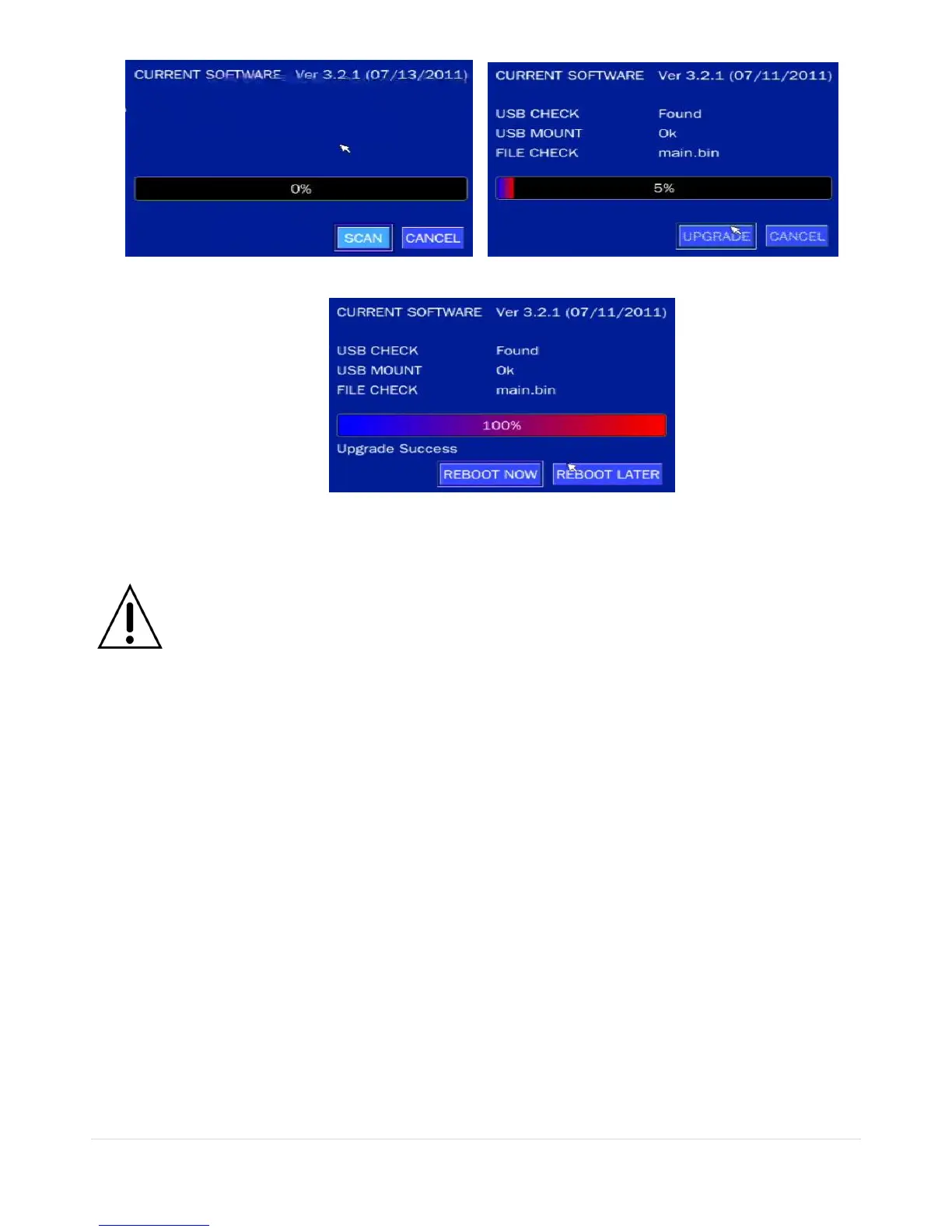
Figure 4.9.2 Figure 4.9.3
Figure 4.9.4
NOTICE
1. If selecting REBOOT LATER, the upgraded software will not be applied until the system
reboots.
2. If selecting REBOOT NOW when the USB flash drive is plugged, the following message
will pop up. Remove the USB flash drive and select OK.
5. Live, Search and Playback
5-1. Live View
In the Live screen, video inputs from the cameras are displayed as they are configured in the Display Setup
screen. Various On-Screen Display (OSD) symbols, which indicate the status of the DVR, are described in
Table 5.1.1.



 To Next Page