33
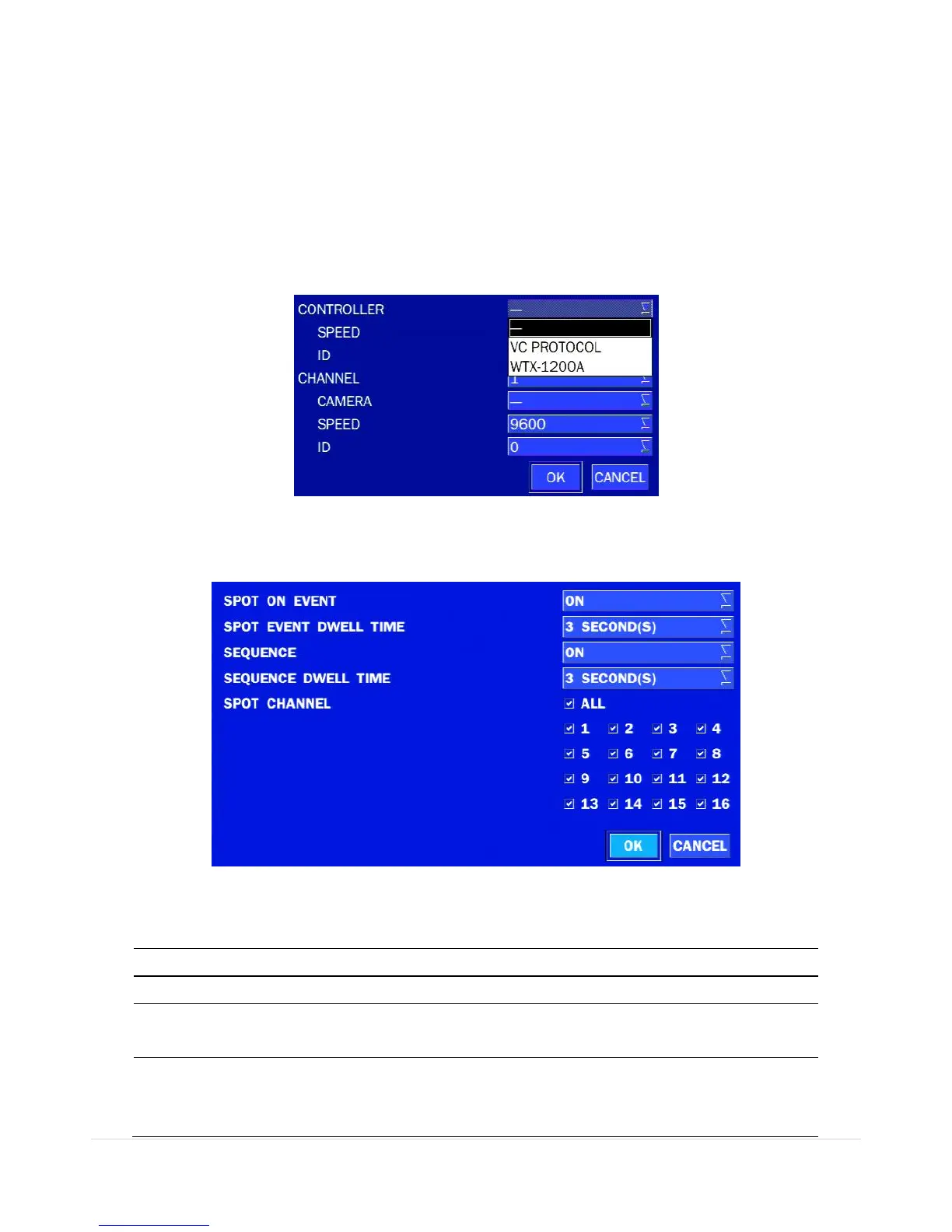
Use the PTZ setup screen to select the following options for the camera PTZ controller:
- CHANNEL: Channel connected to a PTZ device
- CAMERA: Protocol Type
- SPEED: 19200, 14400, 9600, 4800, 2400 (Baud rate)
- ID: 0-63
Controller (Keyboard Controller): If a PTZ controller is used, select a controller protocol from Controller
menu. Set SPEED (Baud Rate) and ID number.
Figure 4.4.3.4. Controller Selection Screen
4-4-4. Spot Out
Figure 4.4.4. SPOT-OUT Setup Screen
Table 4.4.4. Menu Item in SPOT-OUT Setup Screen
Enable/disable sequential display of spot channel in full screen.
If select ON, the selected channel will be displayed on the monitor
periodically.



 To Next Page