87
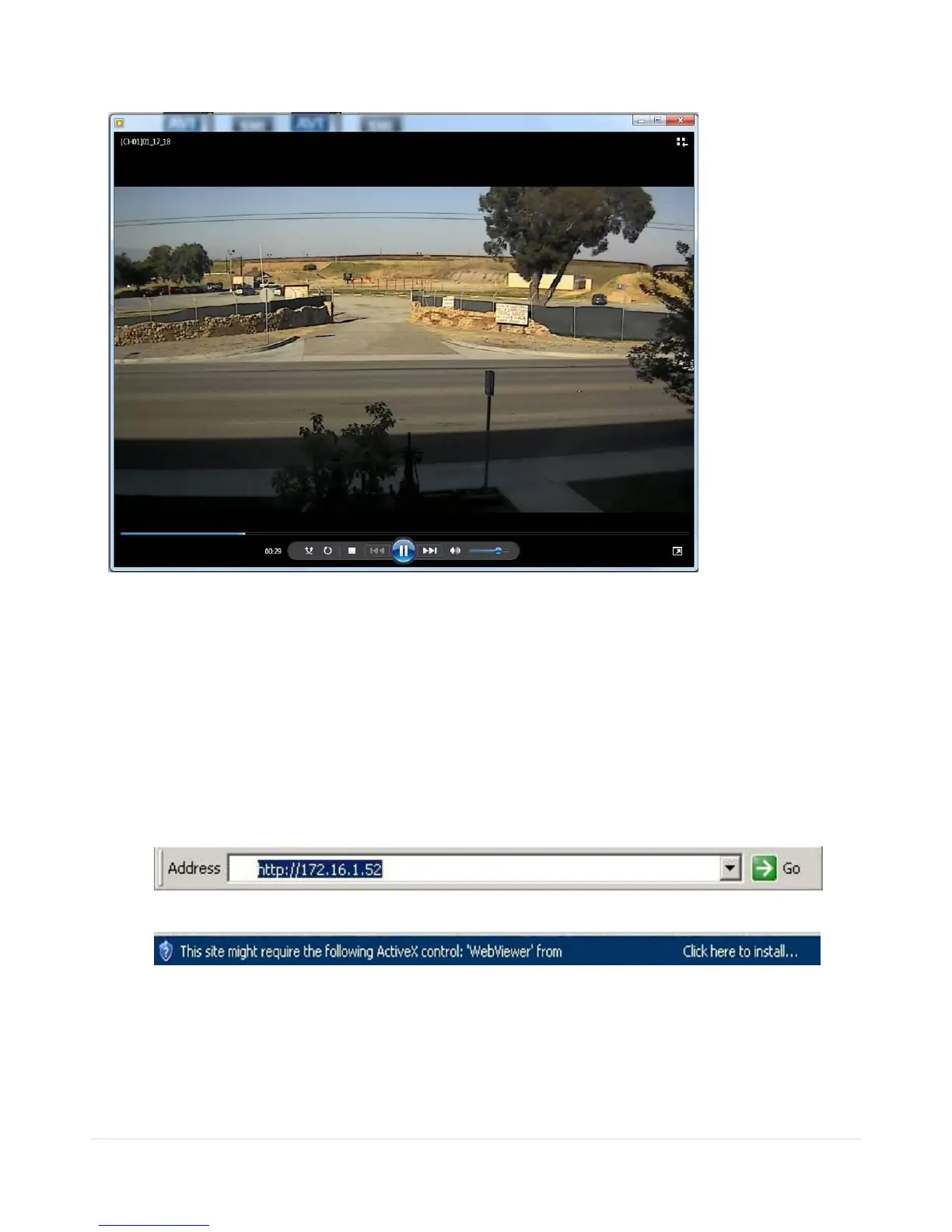
7. AVI video data is recorded as set in AVI Backup window. AVI format video can be played back by using
Window Media Player™ or other media player that is compatible with AVI format video.
8. Network Access Using the Web-Browser Viewer
The DVR provides a live remote monitoring feature by web-browser viewer. (NOTE: Web-Brower is only
available for Internet Explorer)
1. Check the IP address of the DVR from SETUP>SYSTEM>DESCRIPTION>IP ADDRESS or
2. Input the IP address or Domain name address that you pre-registered.
3. Click this bar. Then the dialog box is displayed.
4. Click “Install” to download and install the ActiveX control.



 To Next Page