83
4. Click RECORD ON button. And the color of button is changed.
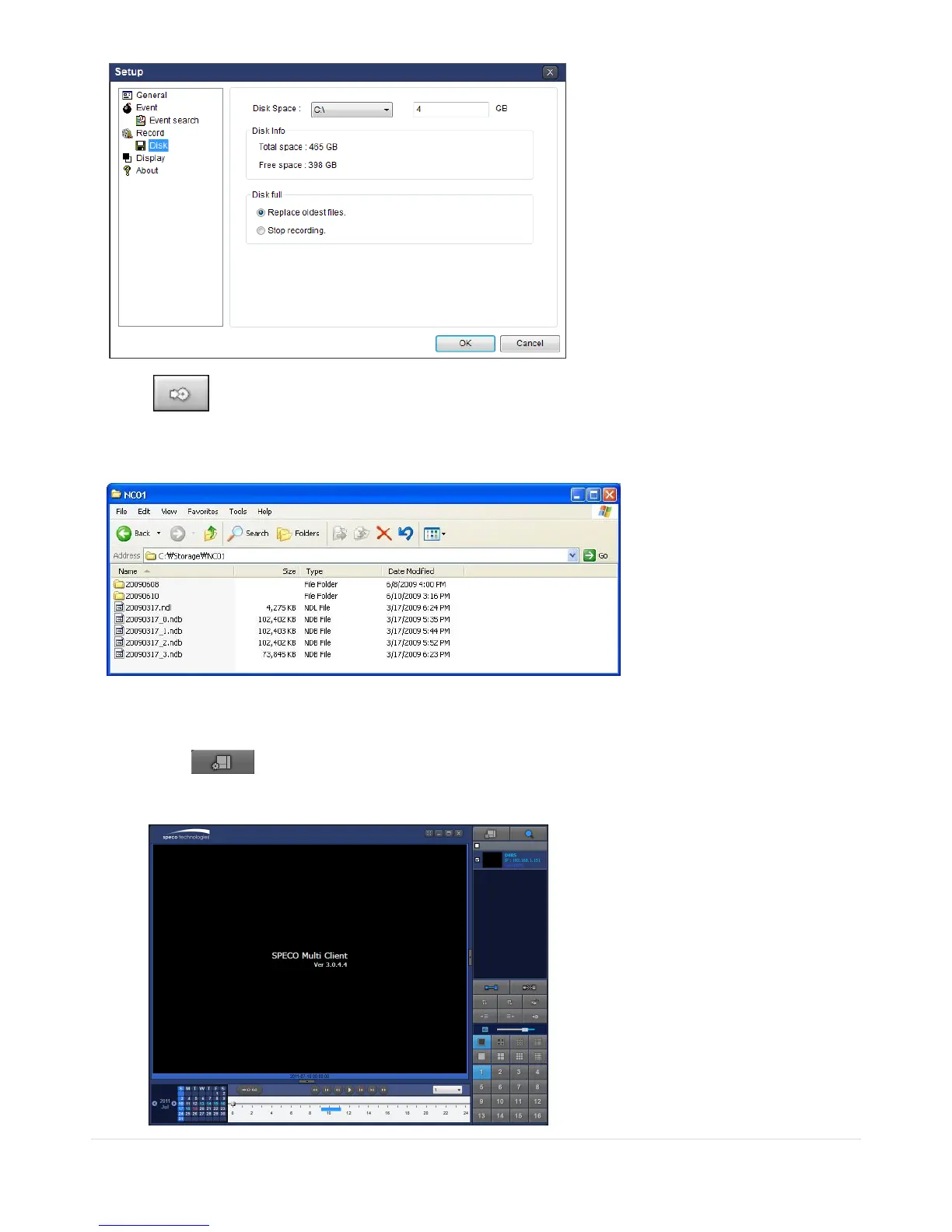
5. Live video data is recorded as set in Record and Disk setup. These video data can be searched and
play-backed with Local Playback.
7-8-5. Local Playback and Remote Playback
7-8-5-1. Playback of Recorded Video on a Local PC
1. Click LOCAL PLAYBACK. And then Playback Window will be displayed over the Live
Window.



 To Next Page