62
7-3. Installation of the Program
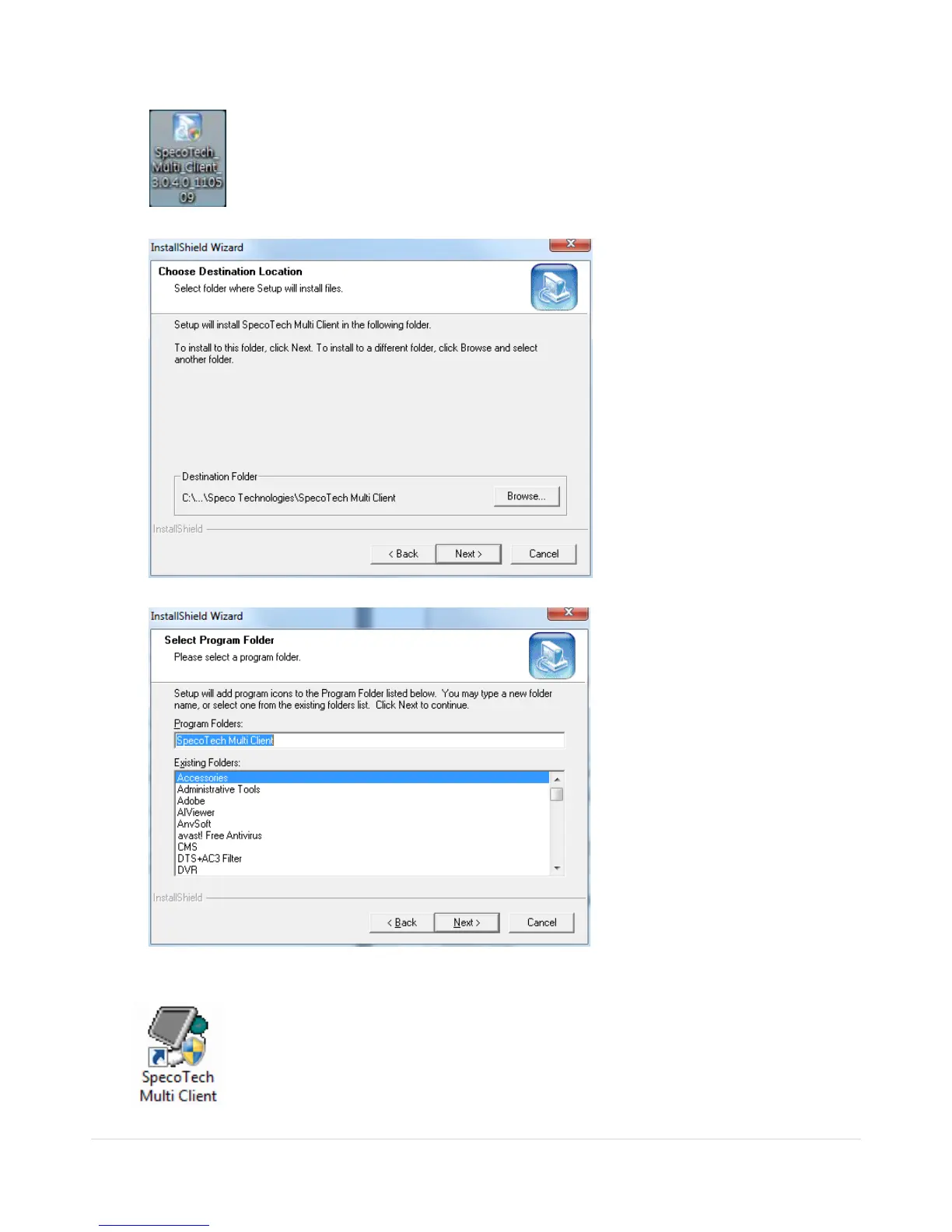
1. Insert the provided CD in the CD drive and double-click “SpecoTech Multi Client (XXXX).exe”
2. Select a destination folder and click “Next”.
3. Select the program folder and click “Next”.
4. The installation status screen is displayed.
5. After the installation is completed, “SpecoTech Multi Client” icon displays on the desktop screen.



 To Next Page