39
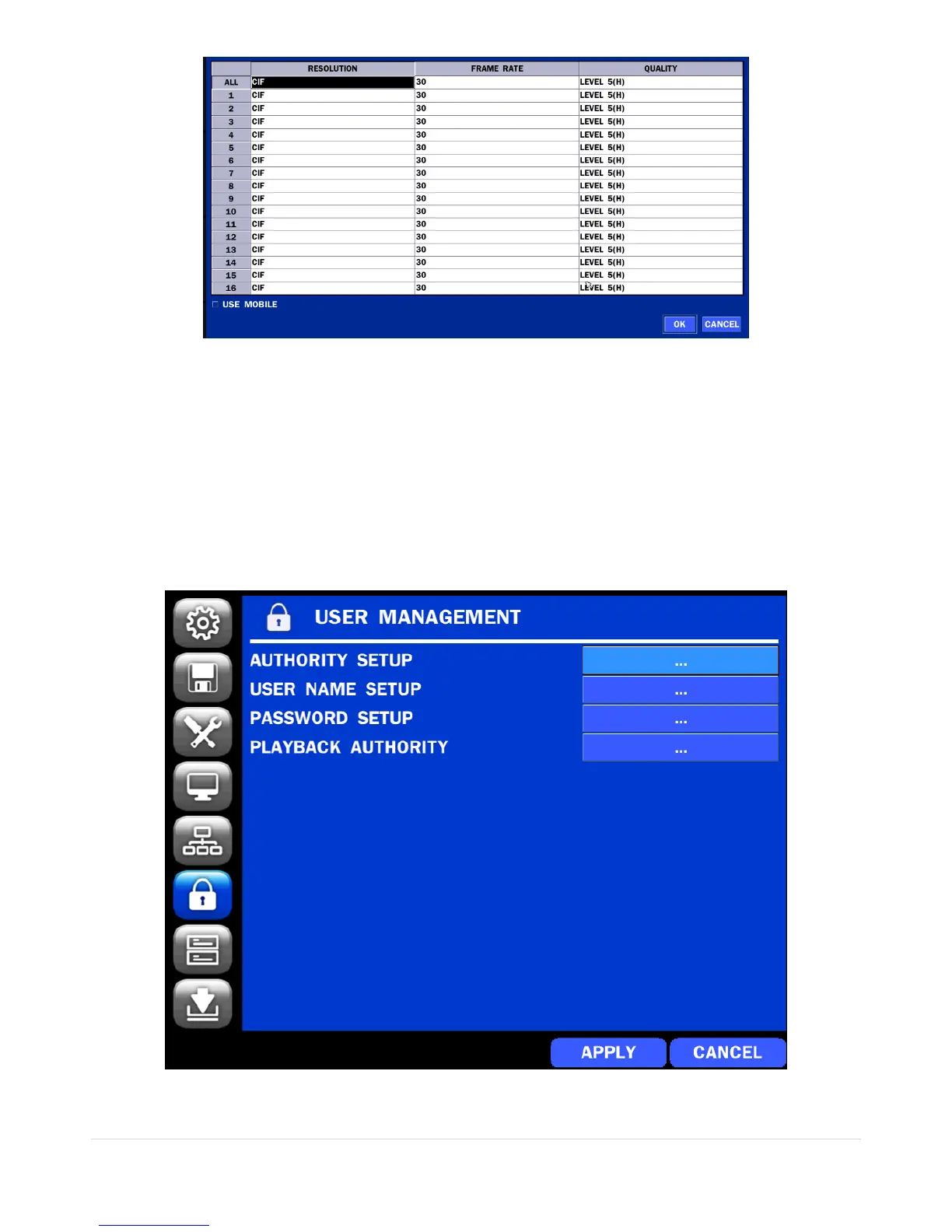
Figure 4.6.4. NETWORK Setup Screen – Network Stream
<TIP> USE MOBILE: When this function is enabled, the frame rate is limited to 15fps@CIF and the video
quality is limited to LEVEL 2 for better remote viewing on the mobile phone.
4-7. Setup – USER MANAGEMENT Mode
In the SETUP menu, select the USER MANAGEMENT tab. Then, the USER MANAGEMENT menu is
displayed as pictured below. Navigate through the menu items or change the settings using the mouse or
the remote control.
Figure 4.7. USER MANAGEMENT Setup Screen



 To Next Page