85
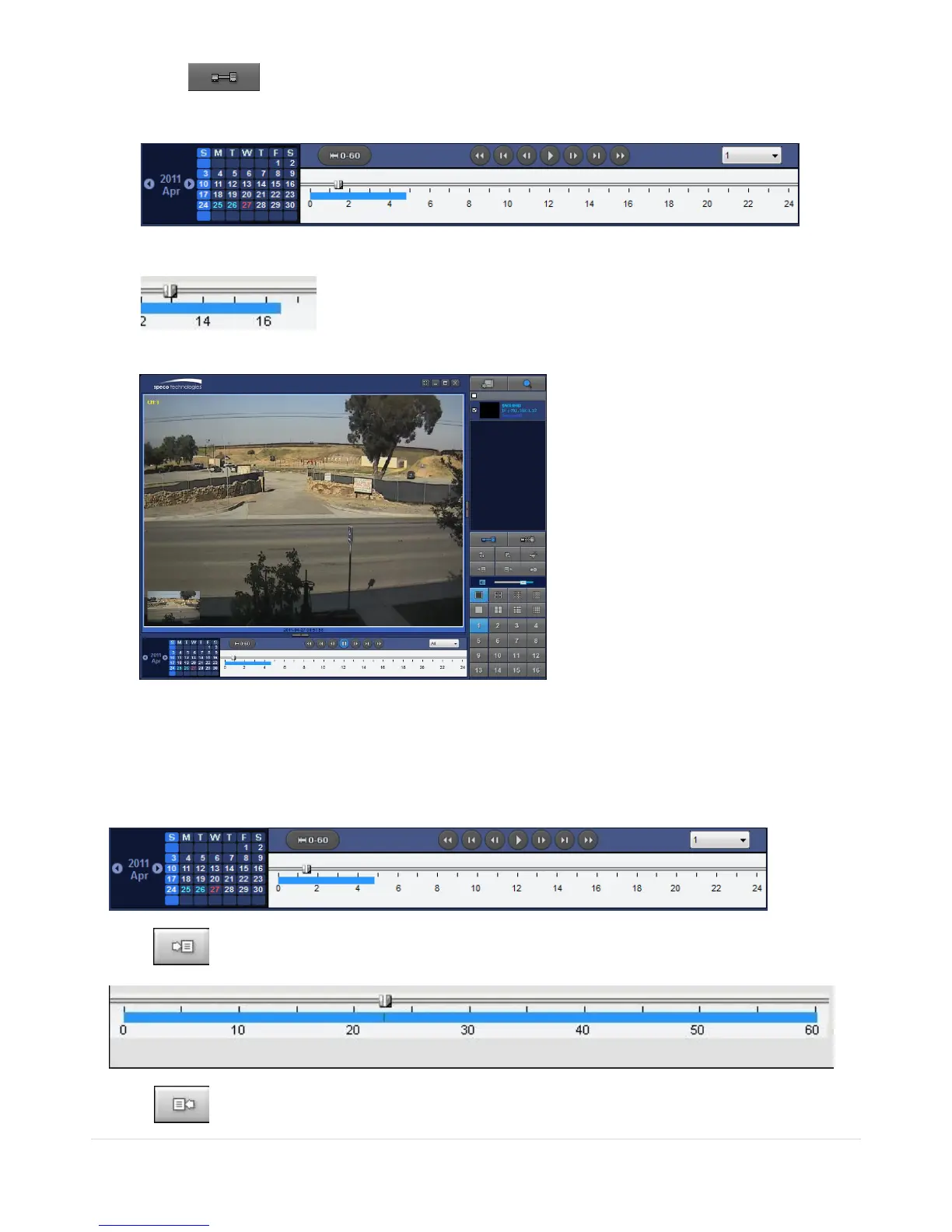
3. Click CONNECT. And then Green bar displays on Search calendar and timeline scale
window.
4. Move the marker on the timeline scale to where there is video data and press the PLAY button.
5. Video data that is recorded on the remote DVR is play-backed.
7-8-6. AVI Backup during Playback
You can back up the recorded videos in AVI format during playback.
1. Double-click the target channel to backup.
2. Select the beginning time by using the search calendar and timeline scale bar.
3. Click EZCOPY START button on the timeline scale to select the beginning point of the backup.
4. Click EZCOPY END button on the timeline scale to select the ending point of the backup. Then,



 To Next Page