D16DS: (Channel 1 through 16, Audio Mute).
D8DS: (Channel 1 through 8, Audio Mute).
Select this option to enter the Search menu.
Click this option to create a snapshot of selected channel image.
(JPEG STILL IMAGE)
Select this option and the PTZ user interface will appear.
ENABLE MAIN
MONITOR SEQUENCE
Select this option to enable/disable sequence function.
Manual Record button. Click this button to enable manual recording.
Also known as Panic Record.
Select this option to enable/disable Alarm outputs
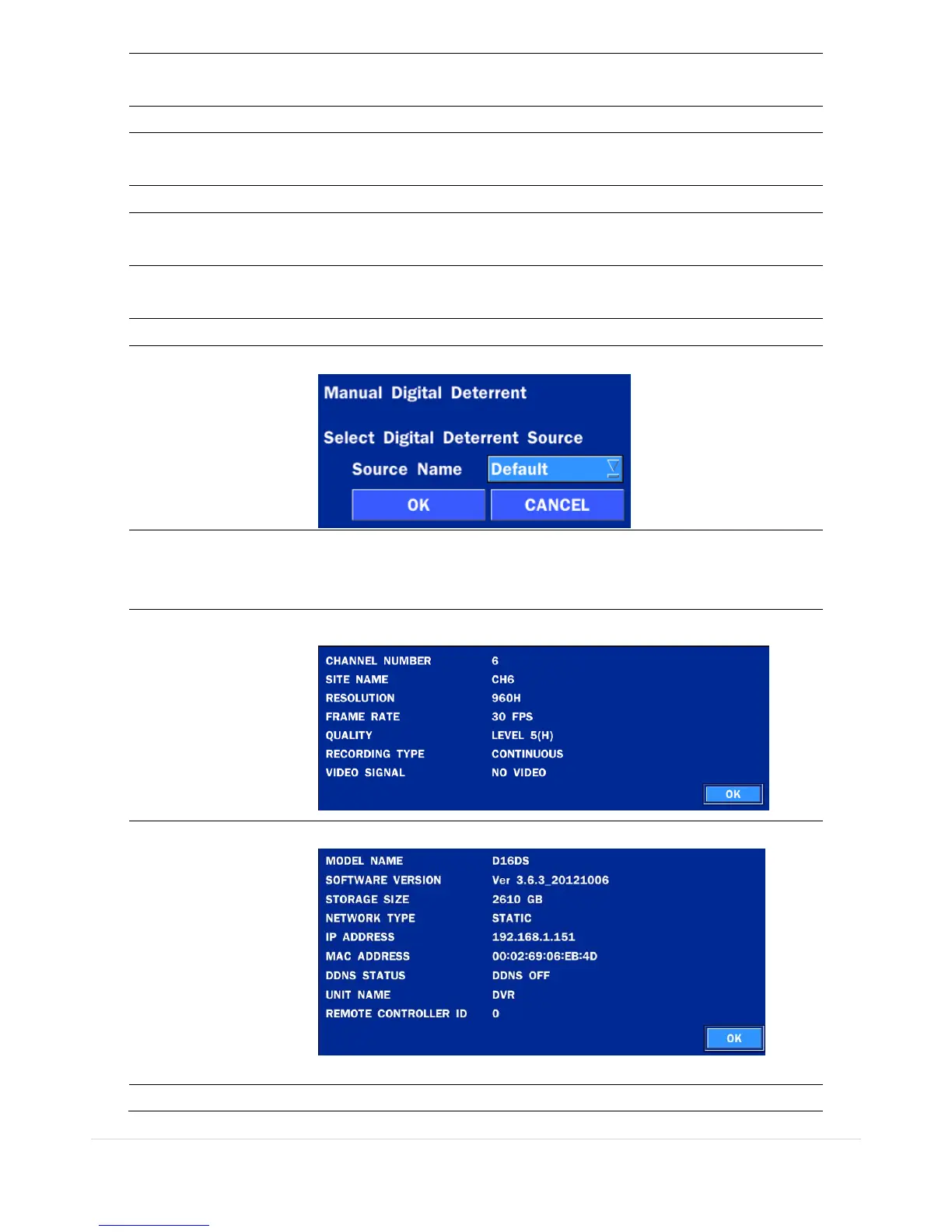
Window where use can manually trigger the digital deterrent audio.
Display layout. Select between different multiview display formats.
Available formats: D8DS/D8WDS: 1x1, 2x2, 3x3;
D16DS/D16WDS: 1x1, 2x2, 3x3, 4x4
Press the button to view the record setting of a selected channel.
Press the button to view the system information.
Press the button to view the brief manual for major function.



 To Next Page