EasyManua.ls Logo

Splendide WD2100 - User Manual

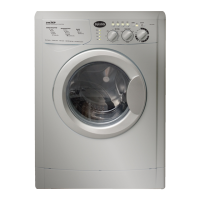
Splendide WD2100
72 pages
Print Icon
To Next Page IconTo Next Page
Loading...
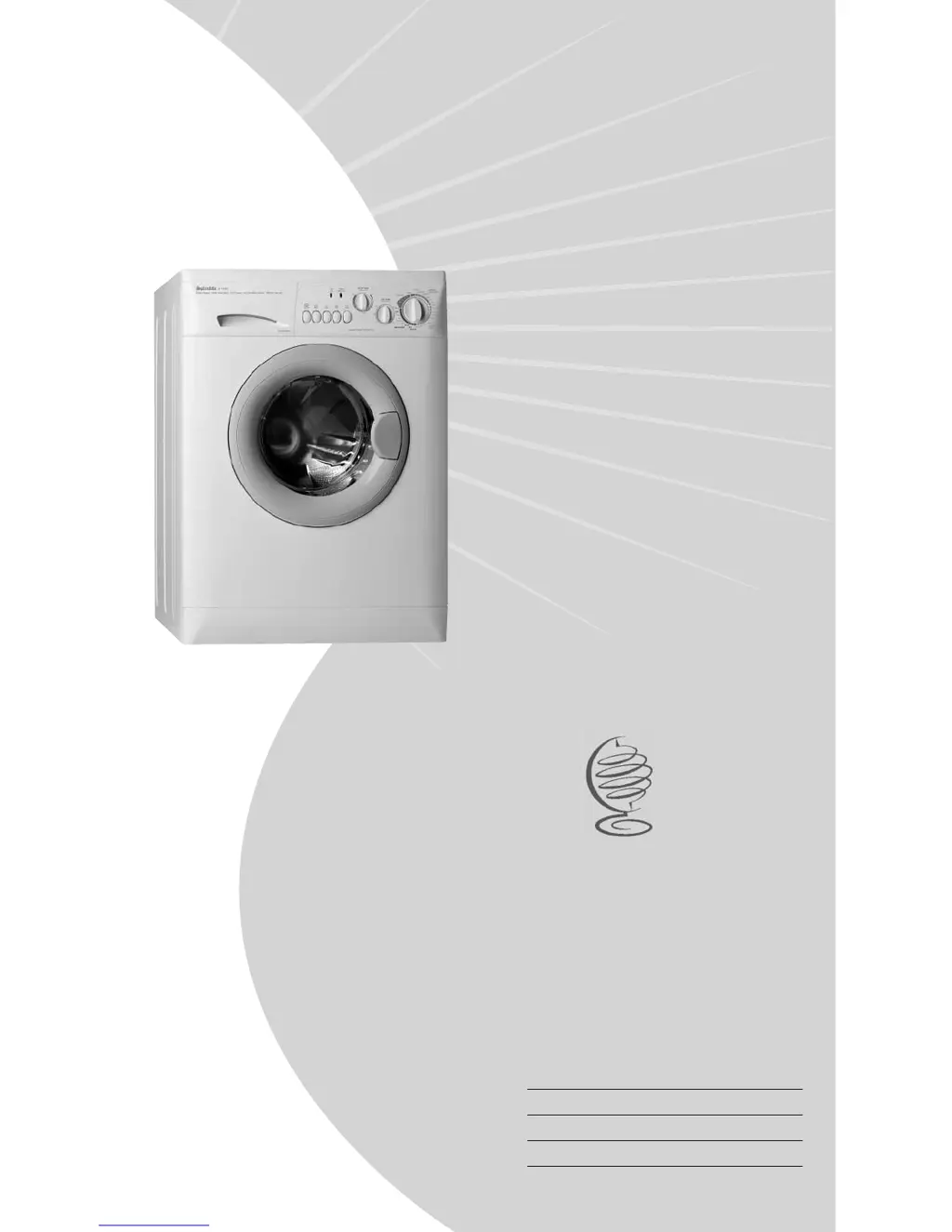
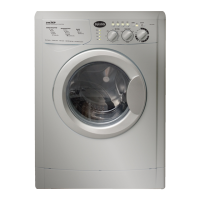
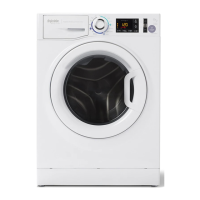
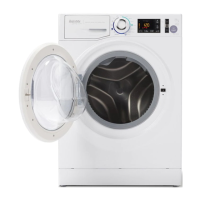
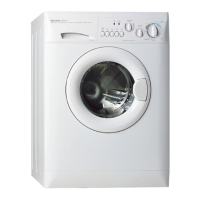
WD2000S (Splendide 2000S)
WD2100 (Splendide 2100)
WDC6200 CEE (Comb-o-matic 6200)
WDC5200 (Comb-o-matic 5200)
Splendide®
Front-Loading Automatic Washer-Dryer
Training Guide
Part No. TRAINMAN
TRAINING GUIDE
TECHNICAL EDUCATION
GROUP PRESENTS

Table of Contents

Other manuals for Splendide WD2100

Questions and Answers

  • C
    cindyriversAug 12, 2025
    Why my Splendide Washer/Dryer does not start?
    • J
      John SalazarAug 13, 2025
      If your Splendide Washer/Dryer isn't starting, first ensure it's properly plugged into a working outlet and that the outlet has power, checking your home's circuit breakers or fuses and replacing them if necessary. Make sure the door is fully closed. If the Delay Start function is active, reset the controls. Also, ensure the water supply is on and the hoses aren't kinked. Finally, verify that the controls are correctly set.
  • R
    Roger RobinsonAug 16, 2025
    Why Splendide WD2100 doesn't drain or spin?
    • A
      Anna HansonAug 16, 2025
      If your Splendide washer-dryer isn't draining or spinning, check the drain hose for any kinks or obstructions that might be blocking water flow, ensuring it's as straight as possible. When using the Easy Iron function without presetting a drying program, press the Easy Iron button again to initiate draining. If the drain pump is clogged, turn off the water supply, unplug the washer-dryer.
  • S
    Steven HughesAug 20, 2025
    How to fix excessive vibration during spin cycle of Splendide WD2100?
    • J
      Jason GarciaAug 20, 2025
      Excessive vibration during the spin cycle of your Splendide Washer/Dryer can occur if the transit screws and spacers were not removed during installation, so ensure these are detached. An unlevelled machine can also cause vibration, so adjust the feet and use a level to correct this. Overloading the drum is another potential cause, so reduce the load size.
  • J
    John WilliamsAug 25, 2025
    What to do if Splendide WD2100 leaks?
    • S
      Sheri SheppardAug 25, 2025
      If your Splendide washer-dryer is leaking, first, turn off the water supply and unplug the appliance. Ensure the inlet hose is tightly connected. Make sure the machine is level. Check the detergent dispenser for obstructions and clean it under tap water if needed. Also, properly position the drain hose and clear any debris from the drain pump's pre-chamber.
  • O
    Olivia BooneAug 28, 2025
    Why water does not enter the Splendide Washer?
    • B
      Brian LewisAug 28, 2025
      If water isn't entering your Splendide washer, start by reviewing the installation instructions to ensure the hoses are correctly connected to the tap. Verify that the water supply is adequate by checking the water pressure and ensuring the water heater is functioning correctly. Also, check the inlet hoses for any kinks or clogs, and clear them if necessary.
  • M
    Martha ReeseAug 31, 2025
    Why Splendide machine continuously fills and drains water?
    • R
      Rodney JohnsonAug 31, 2025
      If your Splendide machine continuously fills and drains water, ensure that the wall drainage system has a breather pipe. Check that the standpipe is at least 25" high but not more than 34" high, and that no more than 6" of the drain hose is inserted into it. If the problem persists, turn off the water supply and seek professional assistance.
  • W
    wisestephanieSep 4, 2025
    Why does my Splendide Washer produce too much foam?
    • T
      Tara JacksonSep 4, 2025
      If your Splendide washer is producing too much foam, make sure you're using a detergent specifically labeled for machine wash, or 'Hand and Machine Wash'. Also, ensure you're using the correct amount of detergent and softener—generally, 1-2 tablespoons of low-sudsing powdered detergent (or liquid equivalent) and 1-2 tablespoons of softener per wash load.
  • B
    Brett GarciaSep 8, 2025
    How to stop the program selector knob from turning on Splendide?
    • M
      Michael WeaverSep 8, 2025
      To resolve the issue of the program selector knob continuously turning on your Splendide, allow a few minutes for the drain pump to empty the tub, then switch the washer-dryer OFF. Select one of the Reset positions on the knob, and then switch it back ON.

Summary

General Information

Model; Serial No. Designators

Identifies the specific model and serial number for service and warranty.

Warranty Guide

Outlines what Splendide will and will not pay for under warranty.

Washer-Dryer Specifications

Lists technical specifications for different Splendide washer-dryer models.

IMPORTANT General Safety Information

Provides critical safety warnings and precautions for operating the appliance.

Installation Information

Installation Requirements

Details necessary tools, parts, location, and utility hookups for installation.

Washer-Dryer Dimensions

Shows physical dimensions and spacing requirements for various installation types.

Drain System Requirements

Explains different drain system options and connection requirements.

Electrical Requirements

Specifies the necessary electrical supply, grounding, and outlet requirements.

Installation Instructions

Remove Transit Screws and Spacers

Step-by-step guide to removing shipping restraints before operation.

Connect Water Inlet Hoses

Instructions for properly connecting hot and cold water supply hoses.

Route and Secure Drain Hose

Guidance on correctly routing and securing the drain hose to prevent leakage.

Level the Washer-Dryer

Procedures for ensuring the appliance is level to minimize noise and vibration.

Install Dryer Venting (WD2100;WD2000 S)

Specific instructions for installing the dryer exhaust ducting for vented models.

Final Installation Checks

Steps to complete installation, including electrical checks and initial test run.

Theory of Operation

Water System Overview

Describes how water enters and is distributed within the washer.

Pressure Switch Function

Explains the role of the pressure switch in monitoring drum water levels.

Wash;Dry System Components

Details the main motor, module board, and heating element for washing and drying.

Pump Motor and Filter

Explains the function of the drain pump and its large object filter.

Dryer Heating Element and Ventless Drying

Describes the heating element and the process for ventless drying.

Door Lock and Suspension Systems

Covers the door locking mechanism and the drum suspension components.

Control Panel and User Interface

Explains the control panel, buttons, LEDs, and how the user interacts with the machine.

Cycle Selector and Option Functions

Details available wash cycles, options like Extra Rinse, and Delay Start.

Preset Wash and Dry Cycles

Describes the purpose and usage of various pre-programmed wash and dry cycles.

Automatic Routines and Balance Control

Explains how the machine handles automatic cycles, door locking, and load balancing.

Accessing the Components

Component Locations Overview

Provides a visual guide to the location of major internal components.

Top Panel and Control Components Access

Instructions for removing the top panel and accessing control panel parts.

Door, Switch, and Porthole Diaphragm Access

Steps to access the door, its switch, and the porthole diaphragm.

Detergent Dispenser and Water Valve Access

Guide to accessing the detergent dispenser and water inlet valves.

Pressure Switch Access

Steps to access the pressure switch after removing the top panel.

Fan Motor, Heater Coil & Housing Access

Instructions for accessing the fan motor, ECOs, and heater coil assembly.

Lower Panel, Drain Pump & Filter Access

How to access the lower panel, drain pump, and its filter.

Back Panel, Motor & Module Board Access

Steps to access the back panel, main motor, and electronic module board.

Shock Absorber Access

Instructions for accessing and removing the shock absorbers.

Component Testing Procedures

Module Board Connector Locations

Identifies connectors on the module board for various component tests.

Introduction to Component Testing

General precautions and instructions before performing component tests.

Door Switch Testing Procedure

Details how to test the door switch for continuity and proper function.

Surge Protector Power Input Test

Tests the power input from the surge protector to the module board.

Pressure Switch Testing

Outlines tests for the pressure switch at different water level conditions.

Heating Element Testing

Procedure to test the resistance of the heating element.

Main Motor Testing

Steps to test the main motor's protector, stator, rotor, and tachometer.

Fan Motor & Water Pump Testing

Tests for the fan motor and water pump resistance.

Water Valve Testing

Procedures to test the resistance of hot, cold, and softener water valves.

Control Input Testing

Tests for ON/OFF switches, push buttons, and selector knobs.

Cycle Selector Testing

How to test the cycle selector for proper continuity.

NTC Sensors & LED Testing

Tests for NTC sensors and status/auto dry LEDs.

Diagnosis & Troubleshooting

Introduction to Troubleshooting

Overview of the diagnostic system and fault code interpretation.

Explanation of Fault Codes

Describes how fault codes are displayed and what they indicate.

Fault Code; Testing Procedure Chart

Links specific fault codes to recommended testing procedures.

Problem; Testing Procedure Chart

Provides troubleshooting steps for common operational problems.

Tech Tips

Manual Door Lock Release

Steps to manually unlock the door when the handle is broken or inaccessible.

Dryer Airflow and Heat Test

Procedure to test the dryer's heating and airflow performance.

Winterization Procedures

Instructions for preparing the washer-dryer for winter or storage.

Verifying Normal Operation

A test sequence to confirm the appliance functions correctly after repair.

Wiring Diagrams

WD2100; WD2000 S Wiring

Electrical schematic for vented dryer models.

WDC6200 CEE; WDC5200 Wiring

Electrical schematic for ventless dryer models.

Splendide WD2100 Specifications

General IconGeneral
BrandSplendide
ModelWD2100
CategoryWasher/Dryer
LanguageEnglish

Related product manuals