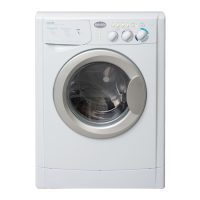
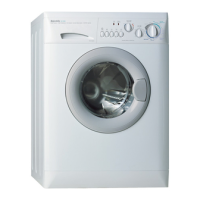
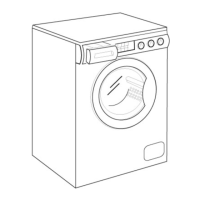
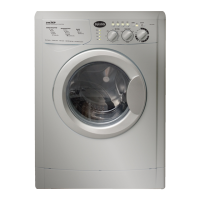
Diagnosis & Troubleshooting
Diagnosis & Troubleshooting
Introduction
These appliances incorporate an onboard diagnostic system to help you troubleshoot any problems
that you may encounter. (See Chart on next page.)
When the machine is in the Fault Mode,
• The program selector will spin around continuously while the code is displayed through a series of
fl ashes from the “Status/Door Lock” LED.
• The “Status/Door Lock” light will fl ash 1-15 times, pause for 10 seconds, and then repeat the same
number of fl ashes.
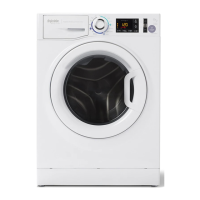
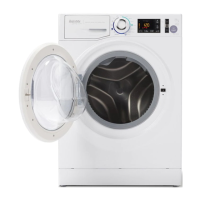
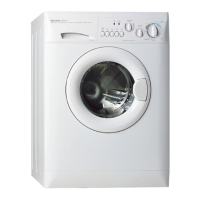
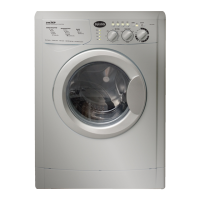
This section includes an Explanation of the Fault Codes for models WD2100, WD2000S, WDC6200CEE
and WDC5200 as well as a Fault Code/Testing Procedure Chart and a Problem/Testing Procedure Chart.
Time-saving Tech Tips are included at the end of the chapter. Contact Westland Sales for a complete
list of Service Bulletins and updates for these models.
Explanation of Fault Codes
Example
If the Status/Door Lock light,
• Flashes 3-times
• Pauses for 10 seconds
• Then, fl ashes 3 times
The machine is displaying an “F03” Fault Code.



 To Next Page