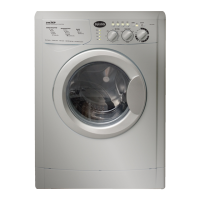
Theory of Operation
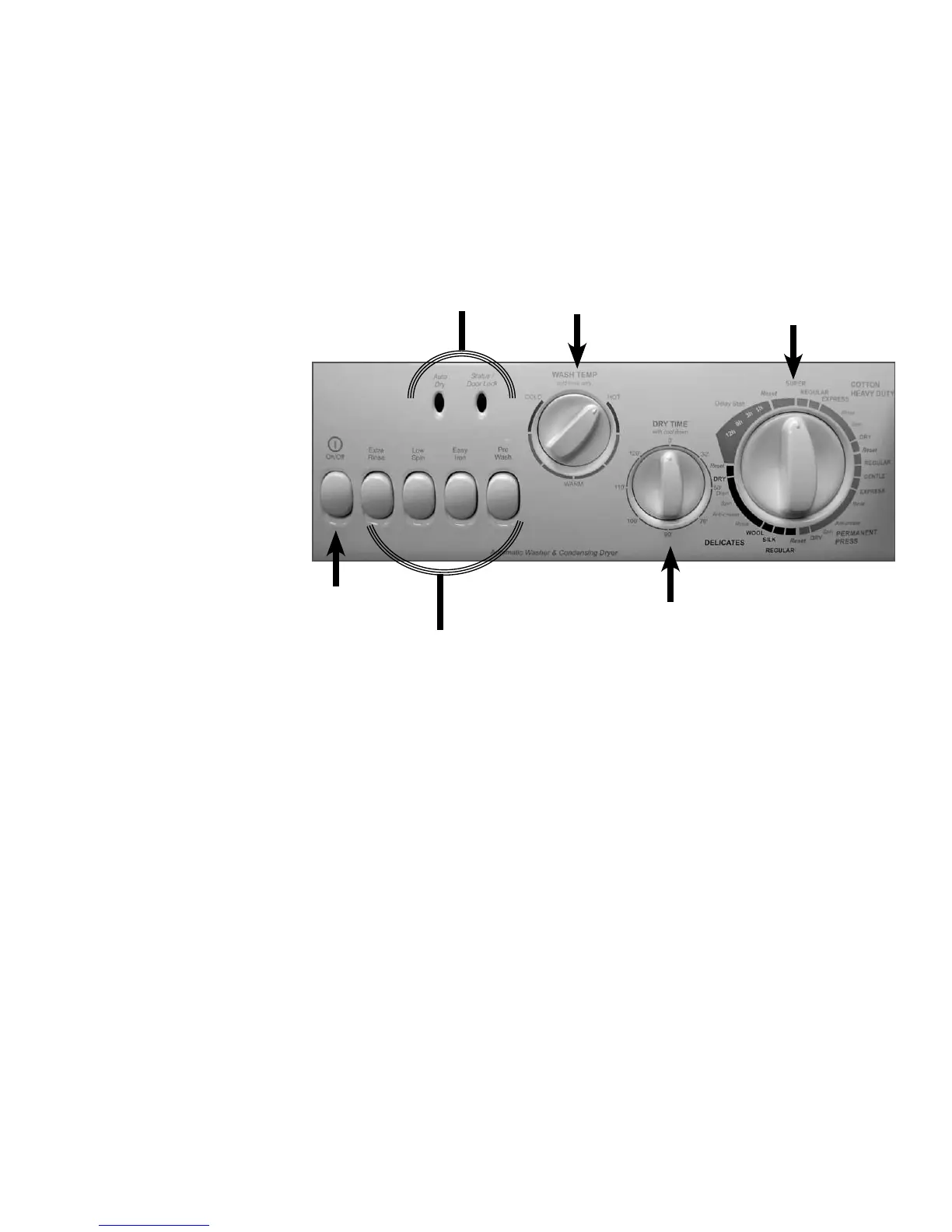
ON/OFF Button- Leave the ON/OFF button in the OFF (out) position while setting the controls, then
press ON (in) to start the program.
Option Buttons - Use these buttons to modify the wash cycle (see “Description of Option Buttons”)
ON/OFF
Option
Buttons
Dry Time
Selector
Cycle Selector
Indicator Lights
Wash Temp. Selector
Description of Control Panel Buttons, Knobs & LED’s
Status/Door Lock Light - This light indicates when the door is locked (solid or rapid fl ash) and when it
can be safely opened (SLOW fl ash).
Auto Dry Light - This light indicates when a dry time has been set.
Water Temperature Selector - Choose a water temperature by turning the knob to the desired selec-
tion. Refer to the garment label and choose the warmest water safe for the fabric. Choose a slightly
lower temperature to get the same wash results while saving energy. NOTE: Rinse is always COLD.
Dry Time Selector - Choose a dry time by turning the knob to the desired selection. Choose No Dry (“0”
min) up to 120 min. This knob does not move during the dry cycle.
Cycle Selector - Choose a wash cycle or dry cycle by turning the knob to the desired cycle. Each cycle is
designed for diff erent types of fabric and soil levels.
(Continued on the next page)



 To Next Page