PXS-710D Section 2
43
2.5.5 CONTINUED:
g. To Make an X-Ray Exposure in the Cal Mode, press the EXPOSE
button on the Exposure switch. Hold for the length of the exposure.
Once the Exposure ends, release both the PREP and EXPOSE
buttons on the Exposure switch.
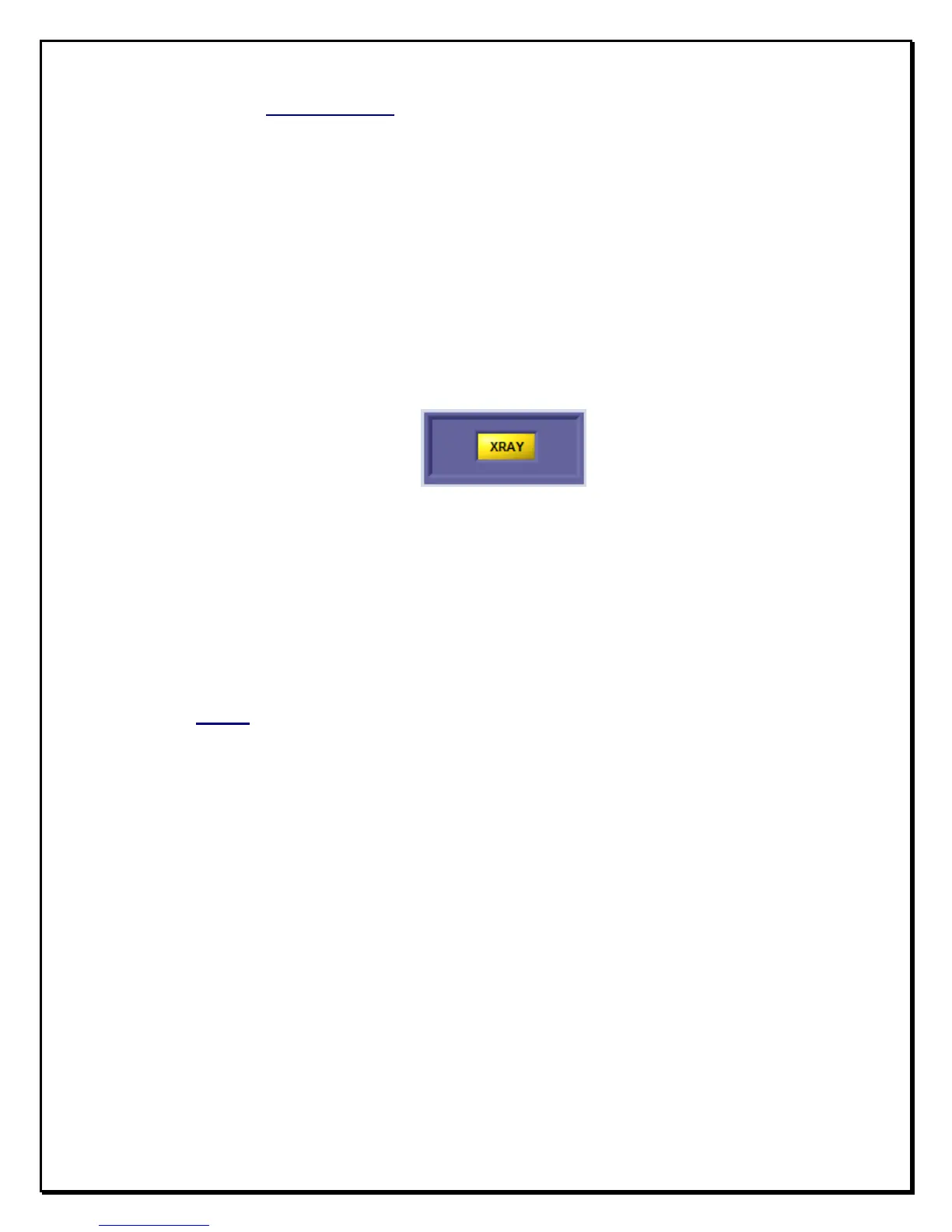
An Exposure indicator will be displayed for the duration of the
exposure. Ref fig 2.13. A XRAY indicator is present on the main
application window as well.
Figure 2.13
X-ray Indicator
h. When the ‘Cal Mode’ is no longer required, Select ‘File->Exit’ from
the drop down menu.
2.6 mAs
Measure the mAs using the mAs meter and confirm accuracy as indicated on
checklist.


 To Next Page