ST700 Dash Display System Installation
© Stack
21
Wheel Speed Sensor
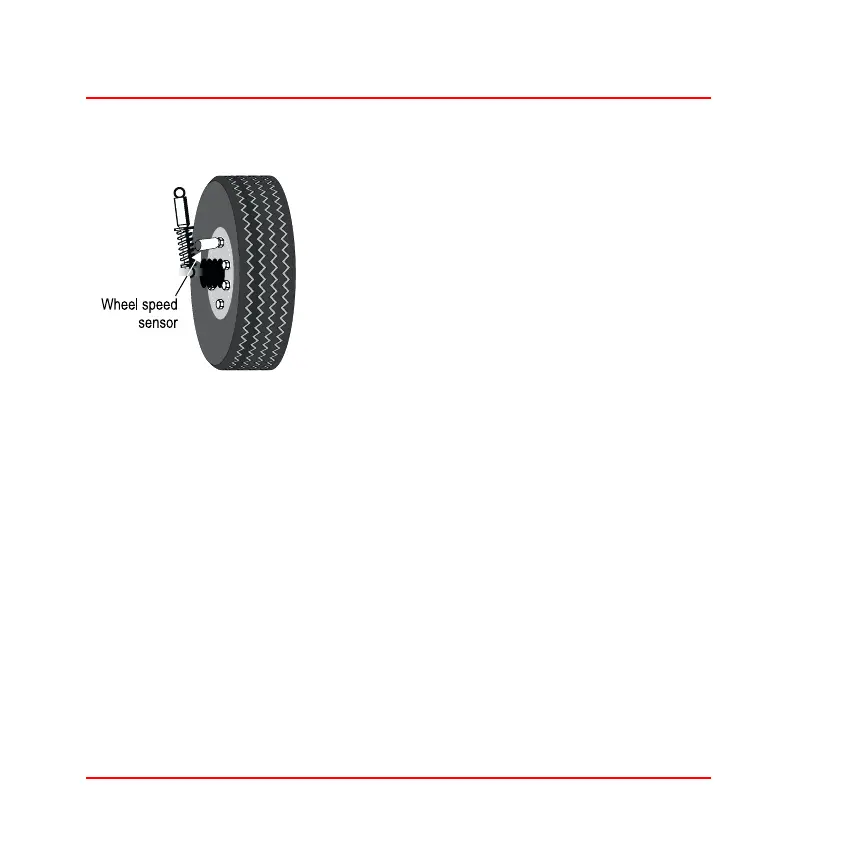
Figure 9: Wheel speed sensor
The Stack ST670 wheel speed sensor gener-
ates an electrical pulse for the ST700 Dash
Display System whenever a ferrous target,
such as a wheel bolt, passes close to its end.
You must install the sensor so that it detects
the wheel turning by a sequence of such tar-
gets.
You may also use the ST492 pulse amplifier
to read signals (pulses) from an existing gearbox sensor. Refer to the sep-
arate instruction manual supplied by Stack for details of this module.
Once you have installed the wheel speed sensor successfully, the ST700
Dash Display System uses the pulses to measure the vehicle speed. You
must set-up the ST700 Dash Display System correctly to use this infor-
mation.
1. Select a suitable and convenient location for the sensor. For each
wheel rotation, the sensor must detect at least one ferrous target
(for example, a driveshaft bolt). Note that the sensor will not detect
items such as alloy wheel spokes or other non–ferrous objects and
you should not try to use these as targets.



 To Next Page