ST700 Dash Display System Operation
© Stack
37
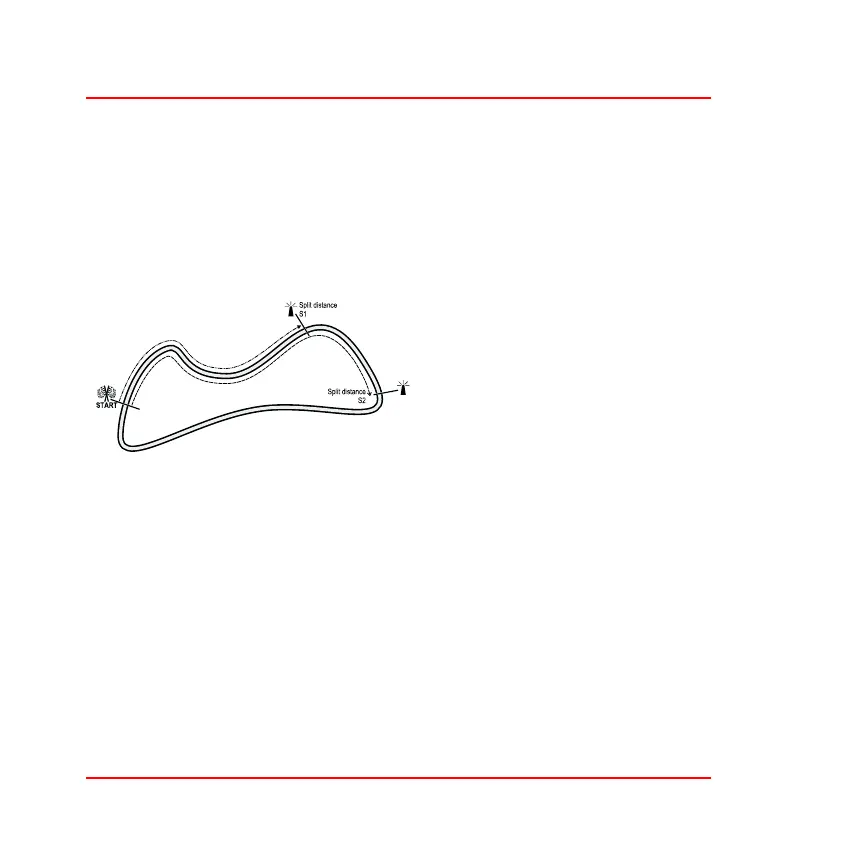
Lap and Split Times
The lap timing feature of the ST700 Dash Display System allows you to
measure the following:
❑ Total time to complete each lap
❑ Split times for up to two locations on the track
Figure 14: Lap timing
1. Lap timing starts when the
vehicle passes the trackside
infrared beacon or when the
driver presses the Lap Timer
button (if manual lap timing is
fitted).
2. When the vehicle passes the beacon (or when the driver presses the
Lap Timer button) again, the ST700 Dash Display System will dis-
play a pop–up message that shows the total time taken to complete
the lap. At the same time it resets the timer to zero and starts to time
the next lap.
3. The above process repeats for each lap. The ST700 Dash Display
System records the times for the first 75 laps so that you may review
them later. The display will show a warning message when you
switch on the ignition if there is memory space for fewer than 20
laps remaining. It will indicate that the memory is full if there is no
lap memory remaining.



 To Next Page