ST700 Dash Display System Operation
© Stack
39
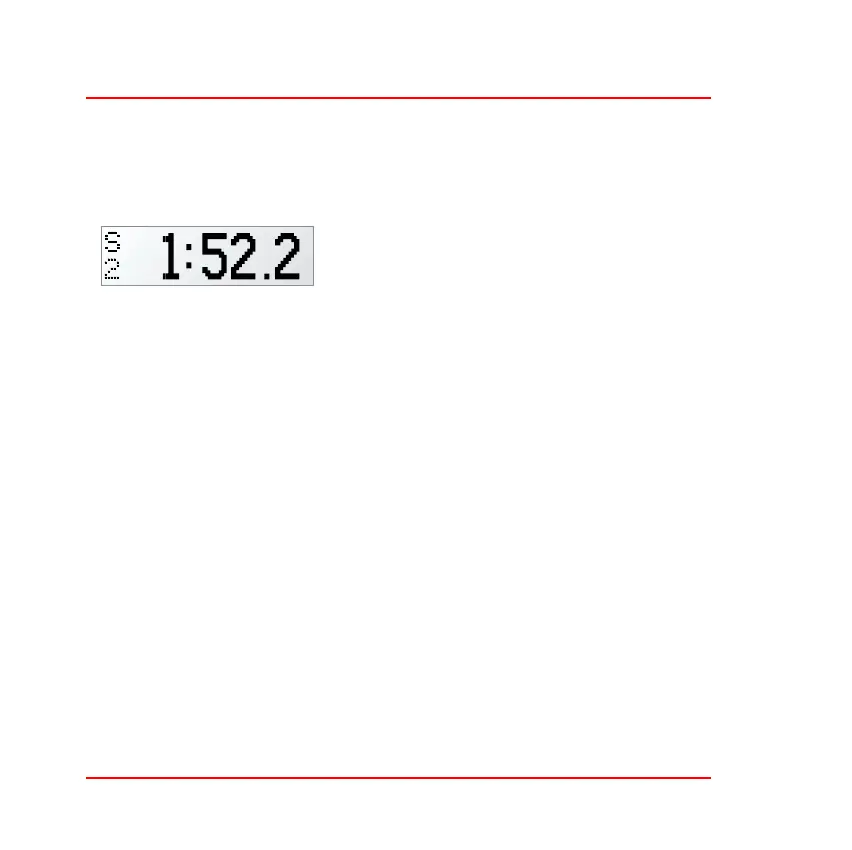
When the ST700 Dash Display System determines that it has travelled
to the second reference point S2, it will show the S2 pop–up message,
for example:
Note that the split times shown by the
pop–up messages are measured from the
start of the lap. In memory review mode,
S1 is the time from the start of the lap to the
first reference point and S2 is the time between the first and the second
reference points.
Manual Split Timing Setup
To set the S1 and S2 split distances manually:
1. Enter the ST700 Dash Display System setup mode by pressing the
rotary control for longer than two seconds.
2. When the display changes to allow memory review or setup, turn
the control clockwise until it shows ‘Performance Timers’.
3. Press the rotary control briefly so that the display shows ‘Split Tim-
ing’.
4. Press the rotary control again to see the current setting for Split 1
distance, which will appear either in metres or feet according to
user–defined preferences.
5. Press and turn the rotary control in either direction to adjust the
Split 1 distance to higher or lower settings. You may change the set-



 To Next Page