ST700 Dash Display System Operation
© Stack
41
Automatic Split Timing Setup
To set the S1 and S2 split distances automatically:
1. Enter the ST700 Dash Display System setup mode by pressing the
rotary control for longer than two seconds.
2. When the display changes to allow memory review or setup, turn
the control clockwise until it shows ‘Performance Timers’.
3. Press the rotary control briefly so that the display shows ‘Split Tim-
ing’.
4.Press and turn the rotary control to set the split setup to ‘Enabled’.
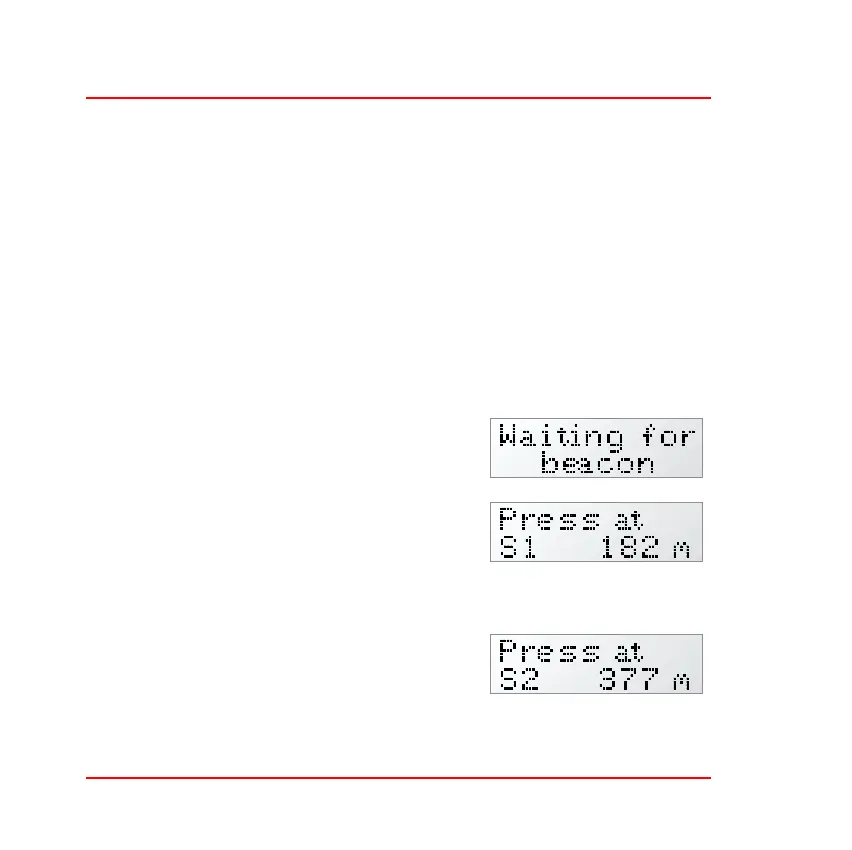
5. Exit to the Run mode and the display
will show ‘Waiting for beacon’.
6. When the vehicle passes the beacon at
the start of the lap the display will
change to show the increasing distance
covered as the vehicle moves around
the track.
7. Press the Driver button as the vehicle
passes the first split marker to set the
distance and to start measuring the sec-
ond split distance. The display will con-
tinue to show the increasing distance
covered as the vehicle moves around the track.



 To Next Page