Operation ST700 Dash Display System
28
OPERATION
This section of the manual tells you how to use the ST700 Dash Display
System.
You can access all the ST700 Dash Display System display functions by
using the Driver button and the rotary control. This simple but effective
method of operation allows the driver to operate the system with mini-
mal distraction.
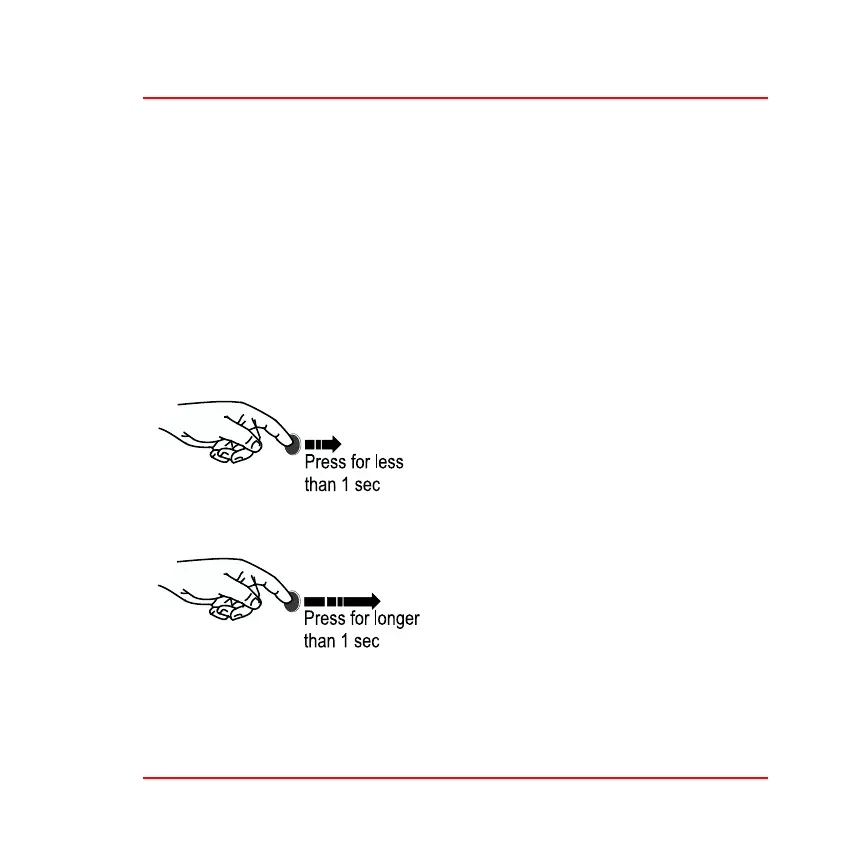
Switch functions
Figure 10: Driver button
❑ In Normal mode— Cycle through
layers on the display.
❑ Clear pop–up message.
❑ In Normal mode—show peak
values of the current display layer.
❑ While turning the rotary control in
Setup mode—adjust the param-
eter in larger steps.



 To Next Page