ST700 Dash Display System Operation
© Stack
29
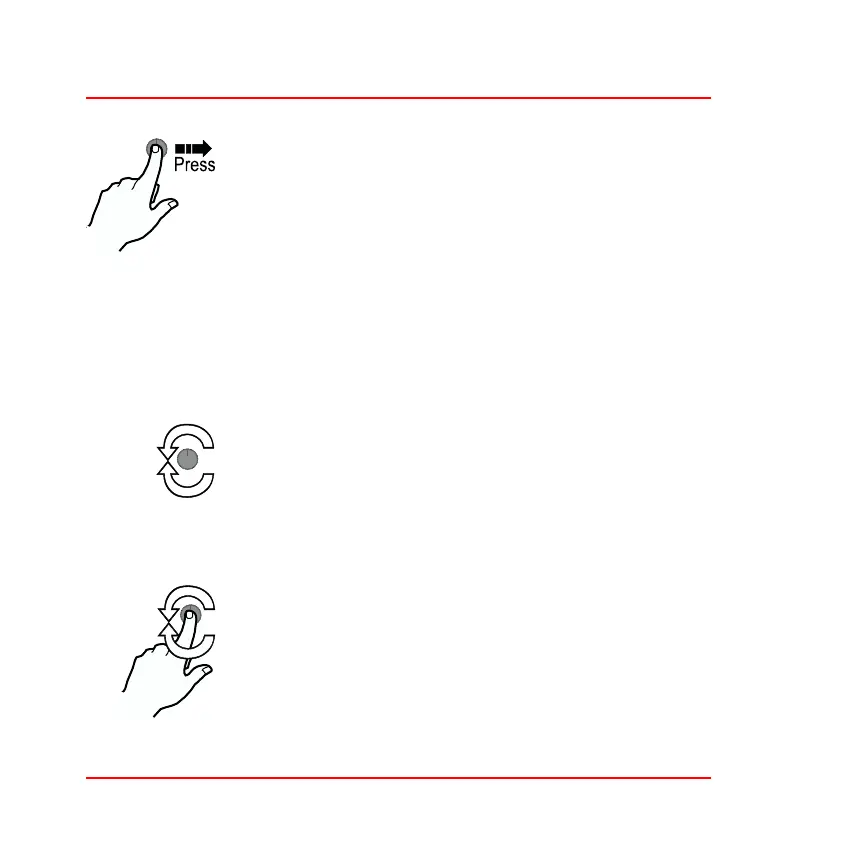
Figure 11: Rotary control
Press the rotary control:
❑ In Normal mode—Press for longer than 2 sec-
onds to change to memory review and setup
mode.
❑ When showing the speed layer, press for less than
1 second to switch between odometer and trip
meter.
❑ With the trip meter showing, press for between 1
and 2 seconds to reset the trip meter.
Turn the rotary control:
❑ Turn the rotary control anticlockwise to set the dis-
play to night time illumination level for backlight
and shift lights.
❑ Turn the rotary control clockwise to set the display
to the preset daytime illumination levels.
Press and turn the rotary control:
❑ In Memory Review and Setup mode—cycle
through the menu options.
❑ In Setup mode—Adjust the parameter.
❑ In Lap Memory mode—Cycle through the lap and
split times.



 To Next Page