Installation ST700 Dash Display System
16
Lap Timing Sensor option
The lap-timing sensor triggers the ST700 Dash Display System automat-
ically each time the vehicle passes the Stack infrared (IR) beacon at the
side of the track.
1. Choose a location on the vehicle for the lap-timing sensor:
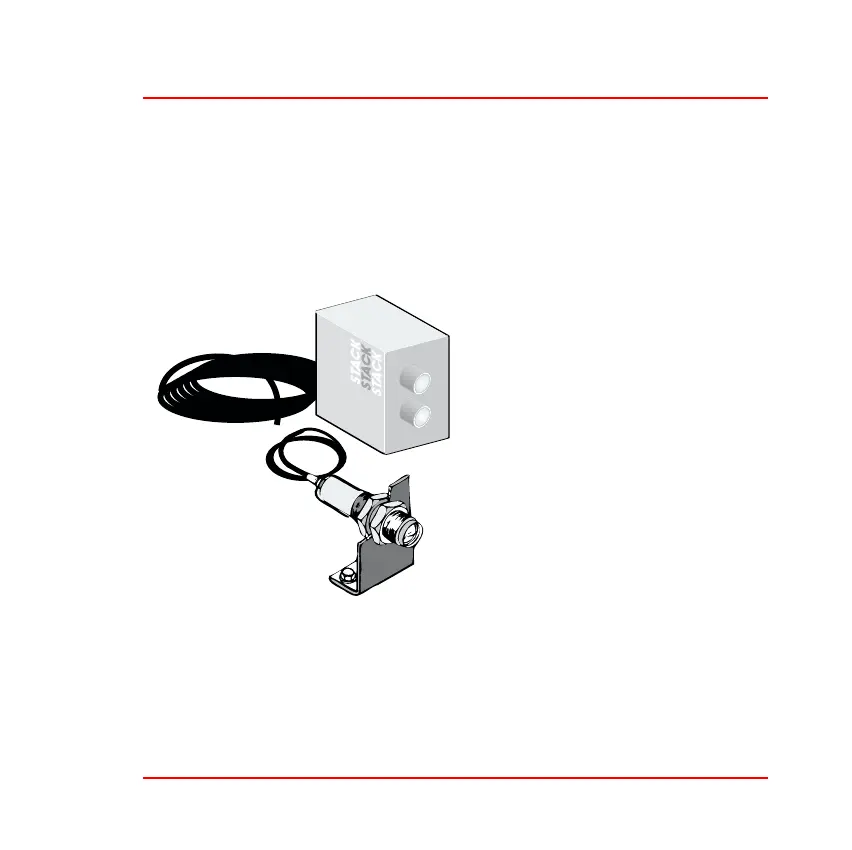
Figure 7: Lap timing beacon
❑ You must position the sensor
to be horizontal and square
to the vehicle axis.
❑ It must have a clear view of
the trackside beacon, even
when you overtake or are
overtaken by other vehicles.
❑ Do not mount the sensor
behind glass or Perspex.
❑ The sensor must be at the
same height as the beacon.
As shown in Figure 8, you can
adjust the height of the beacon to achieve this condition.



 To Next Page