Operation ST700 Dash Display System
32
Changing the display layers
With the ST700 Dash Display System operating in its ‘normal’ mode,
you will see a display similar to that shown in Figure 12. In the example
shown, which features a '0-4-10500' dial face, the tachometer needle
shows the engine is not running. The display is showing the odometer.
Because the measurement capabilities of the ST700 Dash Display
System depend on the sensors and options supplied and fitted with
your system, some of the following descriptions might not apply to
the ST700 Dash Display System installed in your vehicle.
Measurement accuracy for speed, corner and straight speed, and
odometer distance will depend on the correct settings made under
WSPD Input, described on page 54.
Use the Driver button to cycle through the available display layers:
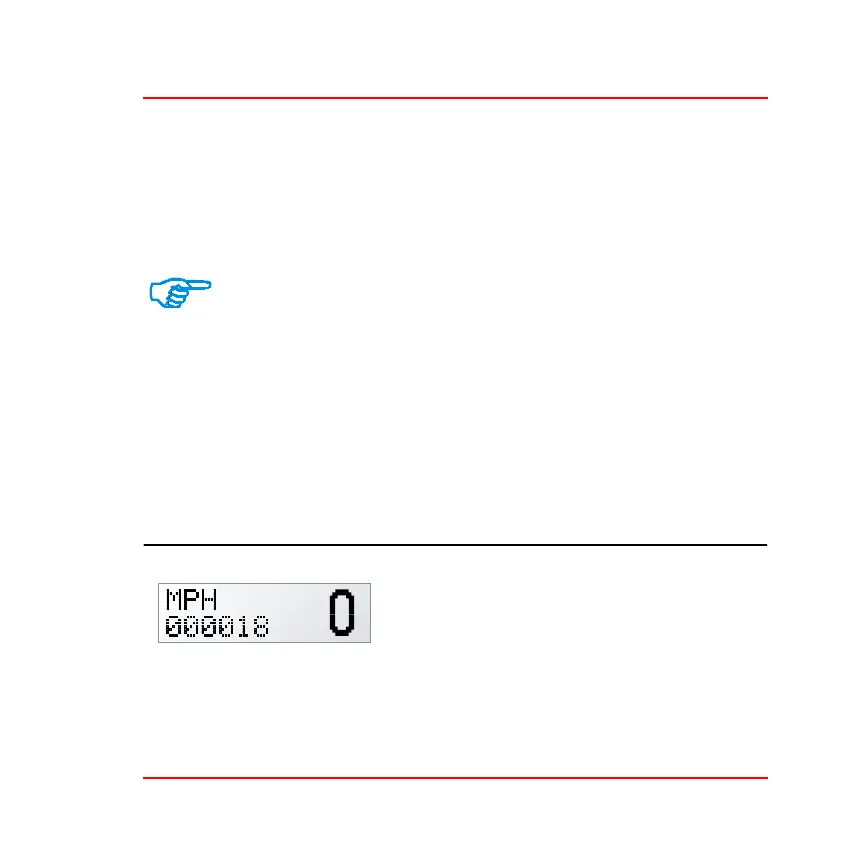
Display Layer 1 This layer will always be active when you switch on the
ST700 Dash Display System
Layer 1 shows the odometer reading and
the vehicle speed. Press the rotary control
briefly to toggle the display between
showing the total distance, and the trip
distance.
With the trip distance on display, press the rotary control for between
one and two seconds to reset the distance to zero.



 To Next Page