ST700 Dash Display System Operation
© Stack
33
Press the Driver button and the Rotary control together to arm the
ST700 Dash Display System for use in hillclimb and sprint operations,
described on page 42.
Press the Driver button to show Layer 2.
Display Layer 2 It is possible to disable this display layer in setup mode
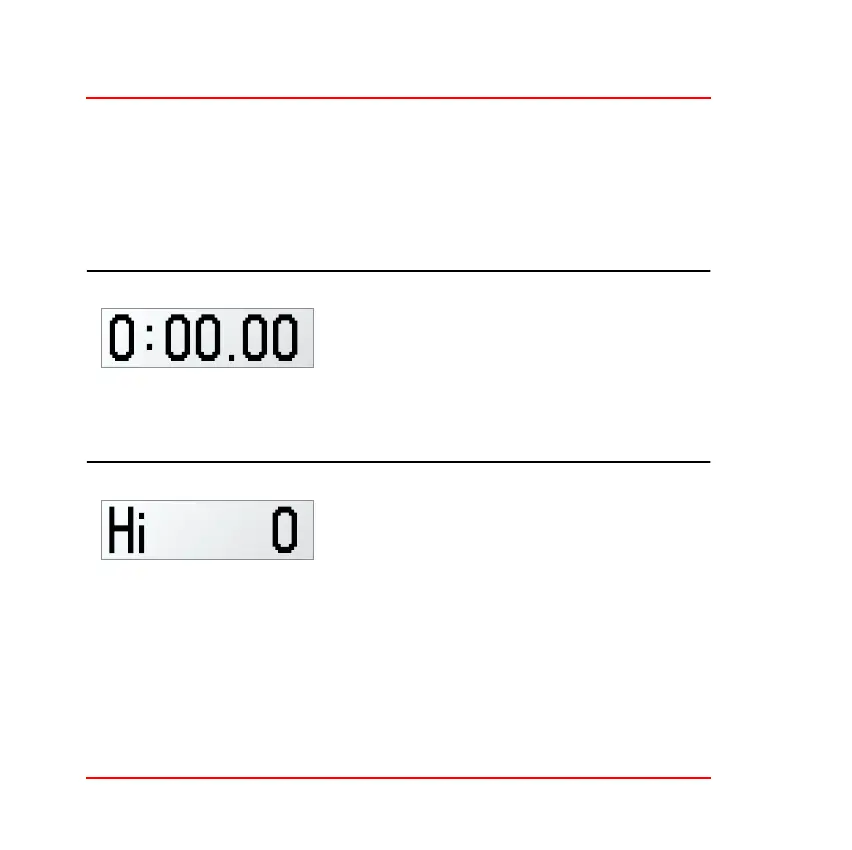
Layer 2 shows the time recorded for the
latest completed lap in minutes, seconds
and hundredths (or minutes, seconds and
tenths for times longer than 10 minutes).
Press the Driver button to show Layer 3.
Display Layer 3 It is possible to disable this display layer in setup mode
Layer 3 shows the maximum Straight
Speed. This is the latest value trapped by
the ST700 Dash Display System for maxi-
mum speed reached along the straight.
Press the Driver button to show Layer 4.



 To Next Page