Operation ST700 Dash Display System
34
Display Layer 4 It is possible to disable this display layer in setup mode
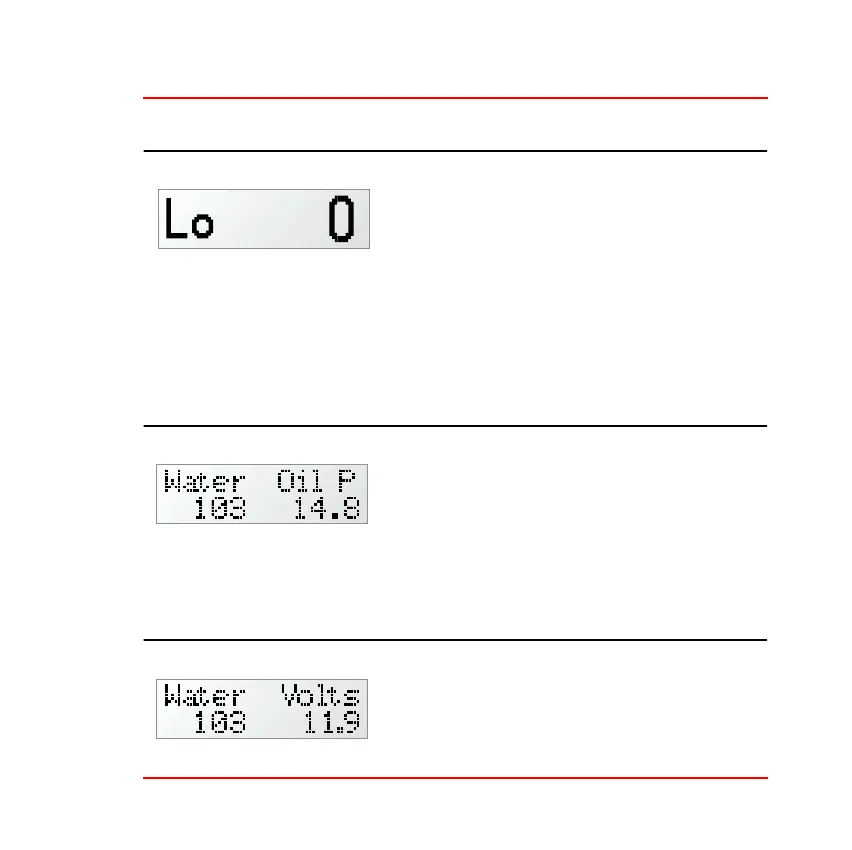
Layer 4 shows the minimum Corner
Speed. This is the latest value trapped by
the ST700 Dash Display System for the
minimum speed reached while cornering.
The Corner Speed feature is a useful tool to help drivers improve their
performance through a specific turn.
Press the Driver button to show Layer 5.
Display Layer 5 If only one analogue channel is in use, this display layer
will not be available
Layer 5 shows the measurement made on
analog channels 1 and 2. You may set these
to show any of the measured channels of
pressure or temperature. See Table 2 and
Table 4 on page 23 and page 25.
Press the Driver button to show Layer 6.
Display Layer 6
Layer 6 shows the measurement made on
analog channel 1, which you may set to
any measured channel, and the battery
voltage.



 To Next Page