Operation ST700 Dash Display System
38
You may use the Split timing feature to measure, display and record the
time taken to complete sections of the circuit.
The reference point for both split times, S1 and S2, is the point where
Lap timing starts as explained above. This means that, if you move the
beacon, then both split points will move by the same distance also. It is
also important to place the infrared beacon in the same place each time
you visit a track so that the timing results are directly comparable from
one visit to the next.
Note that split timing comes directly from the lap timing feature. Any
errors in lap timing caused by inaccurate manual triggering by the
driver will therefore degrade the split timing accuracy. Split timing er-
rors could also arise from inaccurate wheel speed measurement.
The ST700 Dash Display System allows you to set split distances for S1
and S2 or for S1 by itself if you need only one split time per lap. You may
set the split distances manually, or you may set them automatically as
you drive the vehicle around the track.
After you configure the ST700 Dash Display System with split distances,
it will start to measure distance around the track until it passes the S1
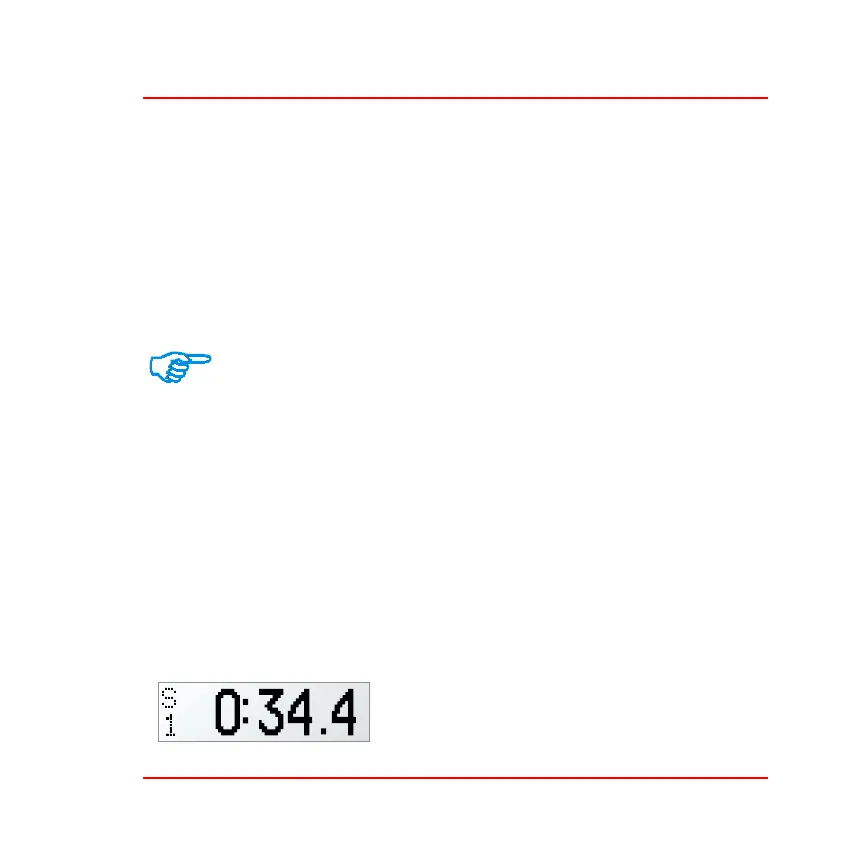
reference point. The display will then show the S1 pop–up message, for
example:
This message will remain on display until
one of the three conditions listed on
page 35 cancels it.



 To Next Page