Sampling and testing procedure
HemoPoint
®
H2 User’s Guide
24
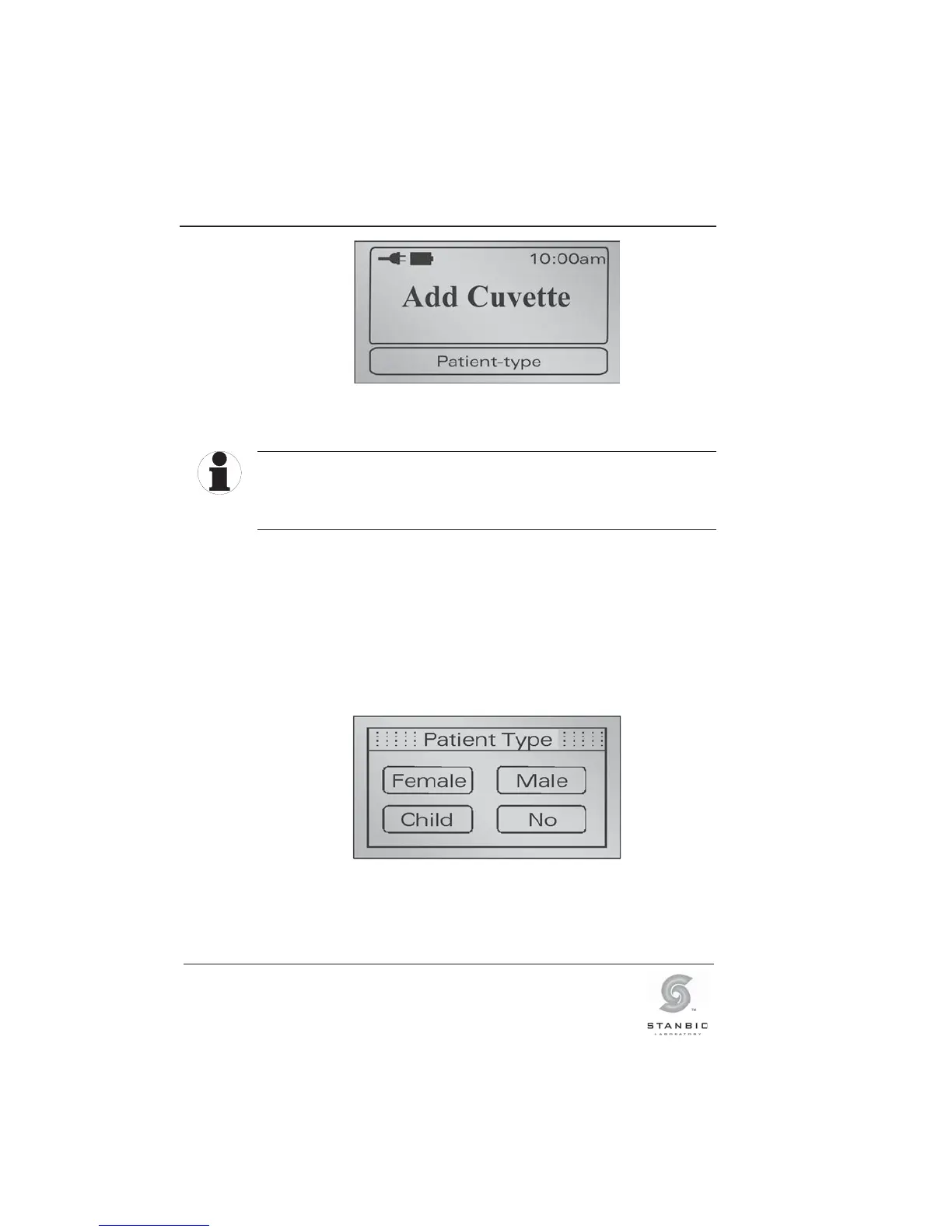
Illustration 17: Display “Add Cuvette”.
The instrument will check the optical performance of the
measuring system. This process takes approx. 1 – 2 seconds.
Release the cuvette holder and do not touch it again until the
process is finished and an audible signal (beep) occurs.
2. If you have the “Hgb limit” mode activated and set the
normal range for each patient type (see Section 5.3.5
“Hgb mode and limits”), the display will show the “Patient
type” buttons that can be selected before testing occurs.
Select the patient type by touching the appropriate
button. If you select “NO”, then no patient range will be
displayed or printed with the result.
Illustration 18: Display to select “Patient Type”.
TIP



 To Next Page