Sampling and testing procedure
HemoPoint
®
H2 User’s Guide
25
In case you wish to change or cancel the selected patient type,
simply touch the “Patient Type” button and make another
selection.
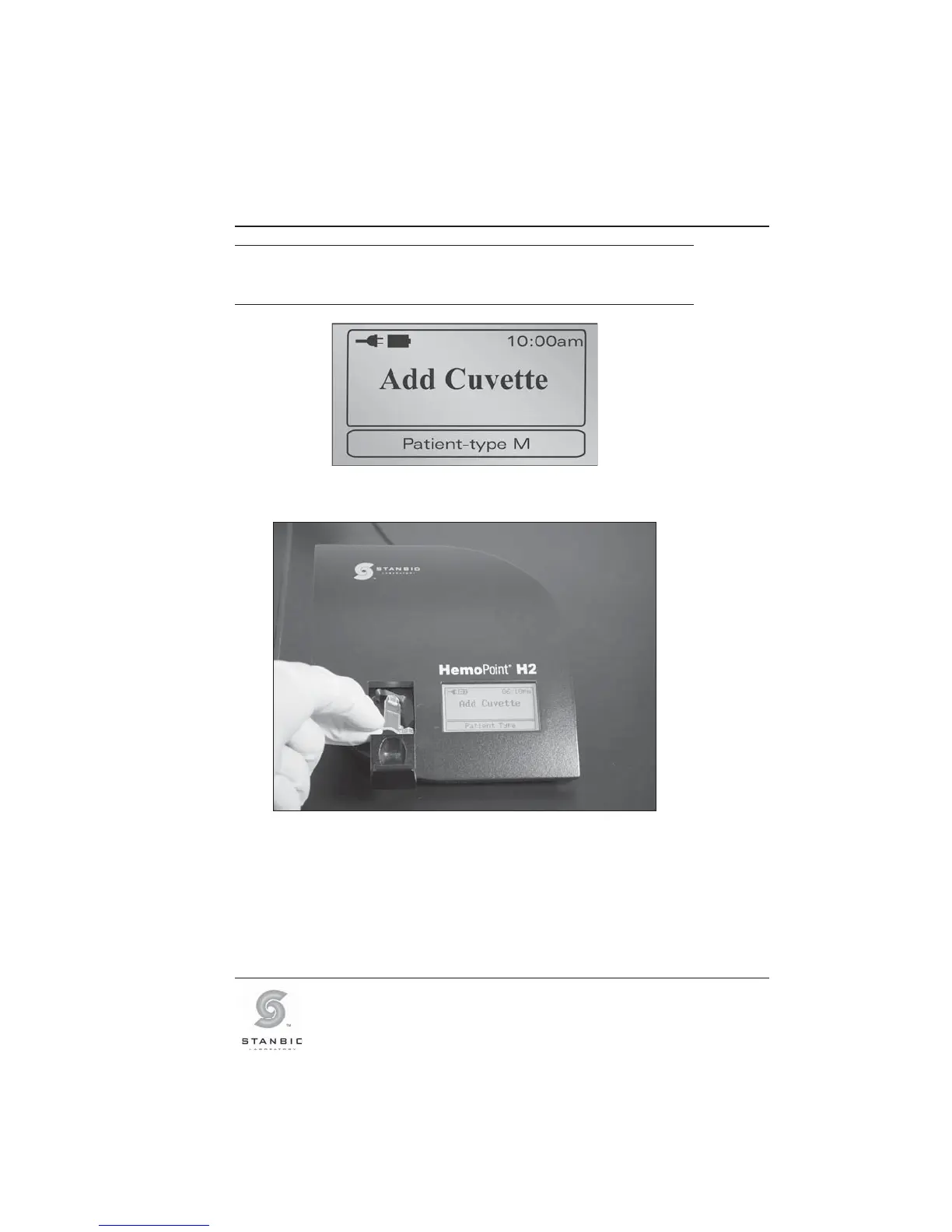
Illustration 19: Display after a patient type (male) is chosen.
Illustration 20: Inserting the cuvette.
3. Insert the appropriate patient microcuvette (example,
Male) into the cuvette holder as shown in Illustration 20,
making sure the microcuvette is properly inserted into the
holder.



 To Next Page