– 8 –
3-3.InstallingthePrinterSoftware
Here is the procedure for installing the printer driver and utility soware, which are stored on
the supplied CD-ROM.
e procedure applies to the Windows operating systems shown below.
• Windows XP (SP2 or later)
• Windows Vista
• Windows 7
(1) Turn ON the power to your PC to start Windows.
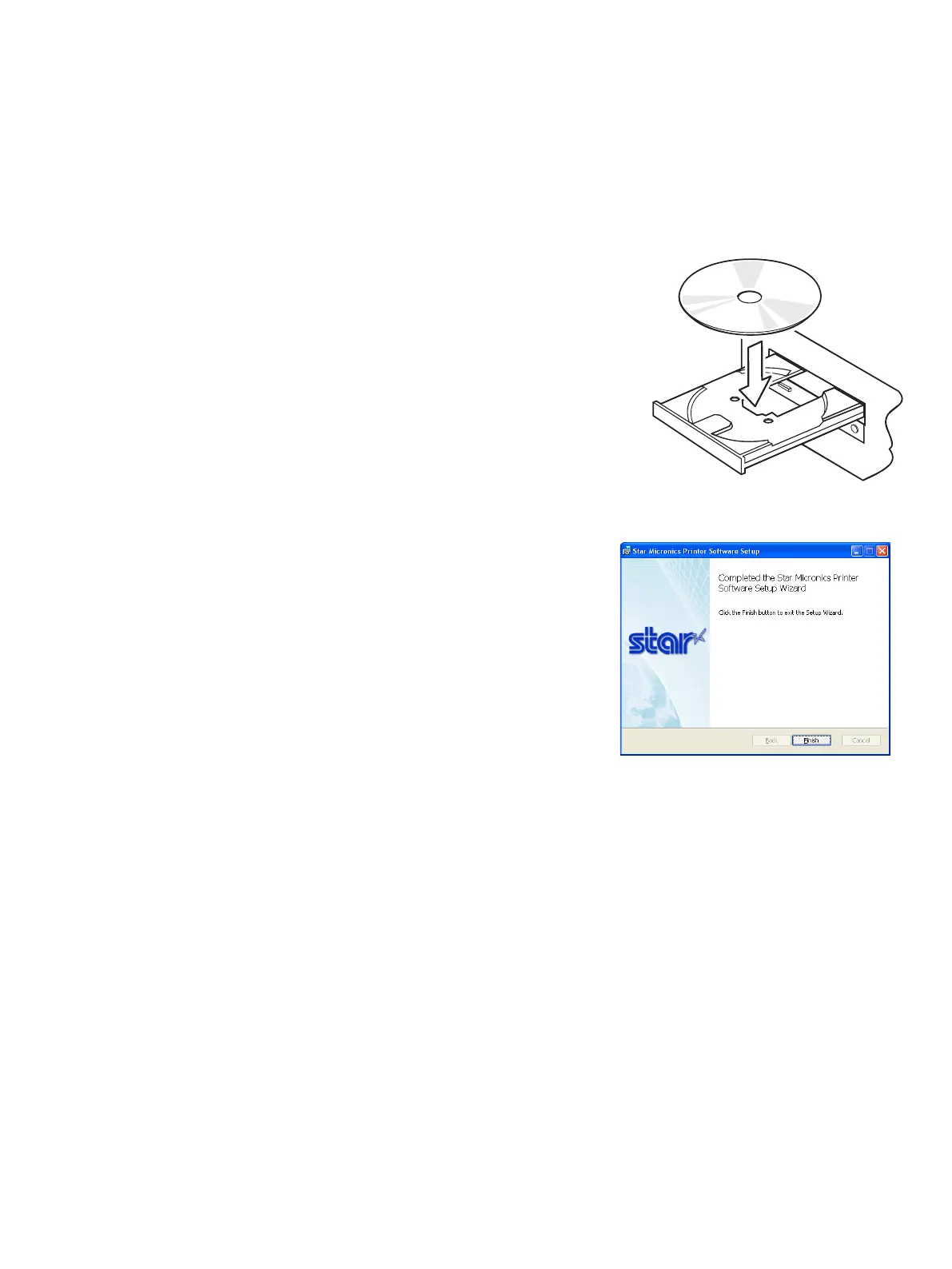
(2) Insert the supplied CD-ROM (Drivers and Utilities) into the
CD-ROM drive.
(3) Follow the instructions that appear on the screen.
(4) e dialog shown in the illustration indicates that the pro-
cedure has been completed.
Click “Finish”.
e dialog that appears on the screen varies with your system. is completes the installation of
the printer soware. A message will appear, prompting you to restart. Restart Windows.
.















 To Next Page