– 23 –
6-3.Self-Printing
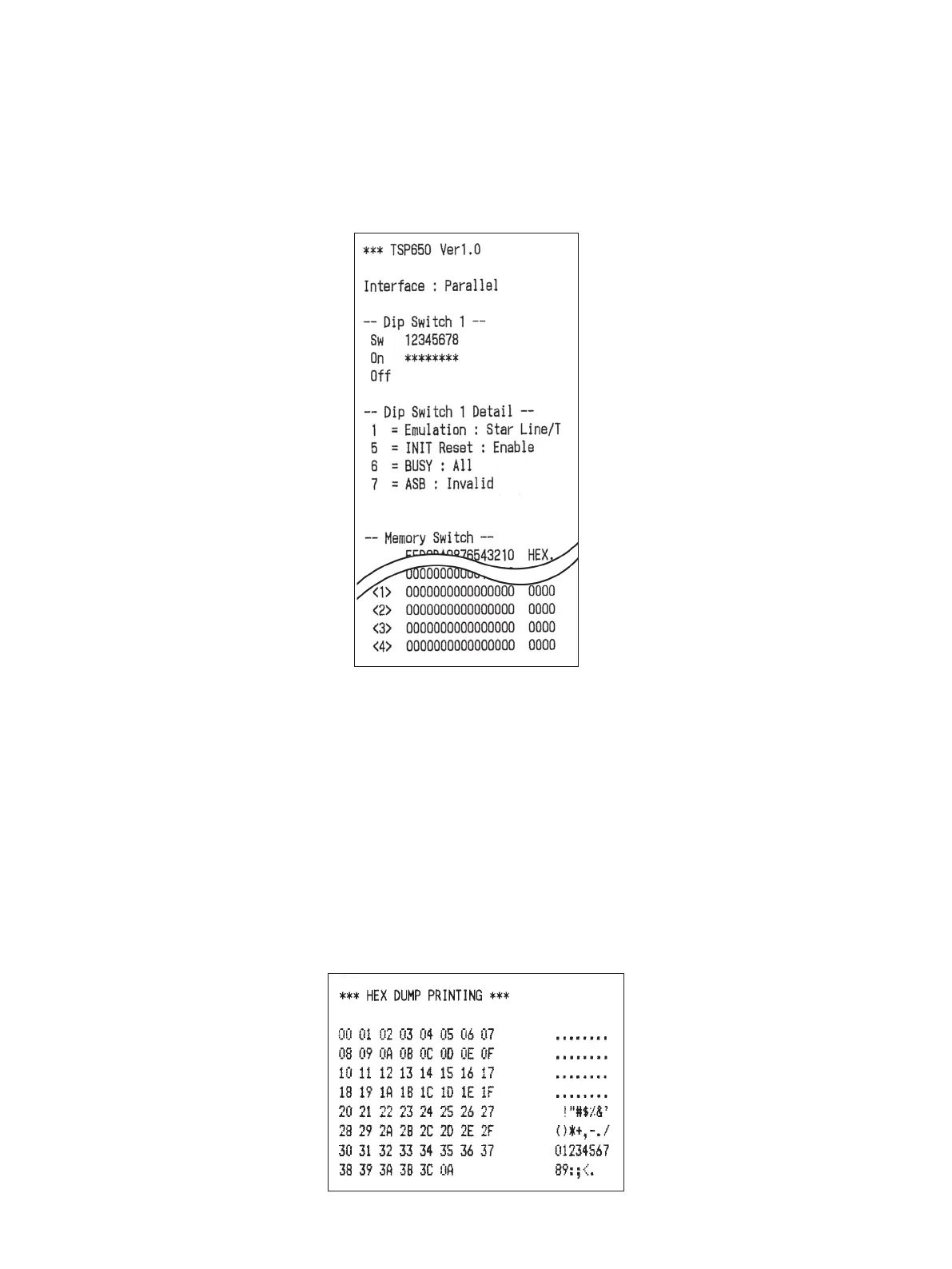
6-3-1. TestPrinting
Place the thermal paper roll on the printer.
Turn the power ON while holding the FEED button depressed. e printer will run a test print
according to the Ver. No., DIP switch settings, and memory switch settings, etc.
6-3-2. HexadecimalDumpMode
Place the thermal paper roll on the printer.
Open the printer cover, then turn the power on while holding the FEED button.
When the cover is closed, “*** HEX DUMP PRINTING ***” is printed, and the printer enters
the Hexadecimal Dump Mode.
Each of the signals sent from the computer to the printer will be printed out in hexadecimal
code.
is function allows you to check if a control code sent to the printer by the program being used
is correct or not. e nal line is not printed if its data is less than one full line. However, if the
FEED button is pushed, the nal line is printed. To turn o the mode, it is necessary to turn o
the printer completely.















 To Next Page