– 10 –
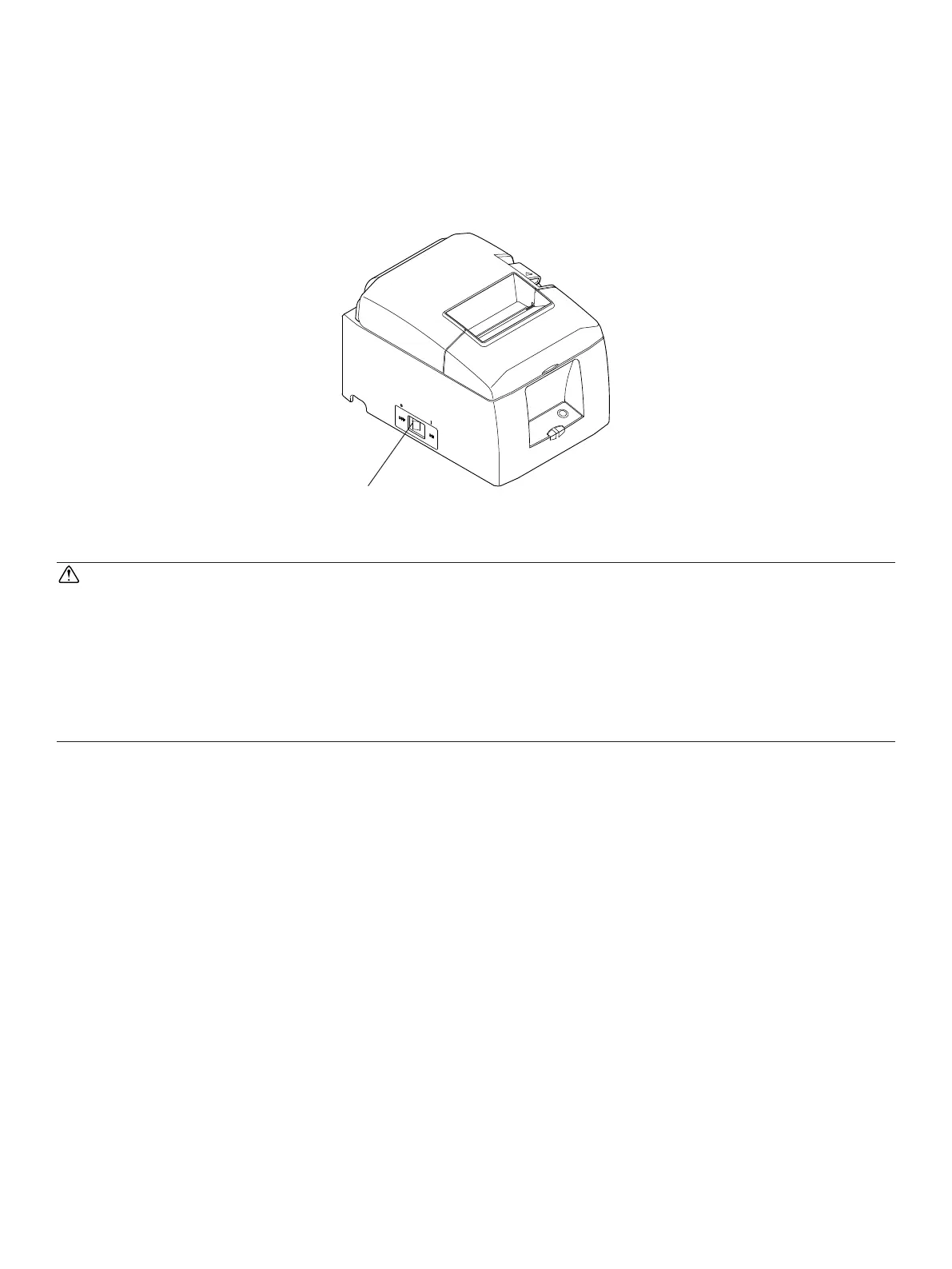
Power switch
3-5.TurningPowerOn
Make sure that the Power cord has been connected as described in 3-4.
Turn ON the power switch located on the front of the printer.
e POWER lamp on the control panel will light up.
CAUTION
We recommend that you unplug the printer from the power outlet whenever you do not
plan to use it for long periods. Because of this, you should locate the printer so that the
power outlet it is plugged into is nearby and easy to access.
When an Switch blind is afxed to the printer above the power switch, the ON/OFF
marks of the power switch may be hidden. If this occurs, remove the power cord from
the outlet to turn the printer OFF.















 To Next Page