– 11 –
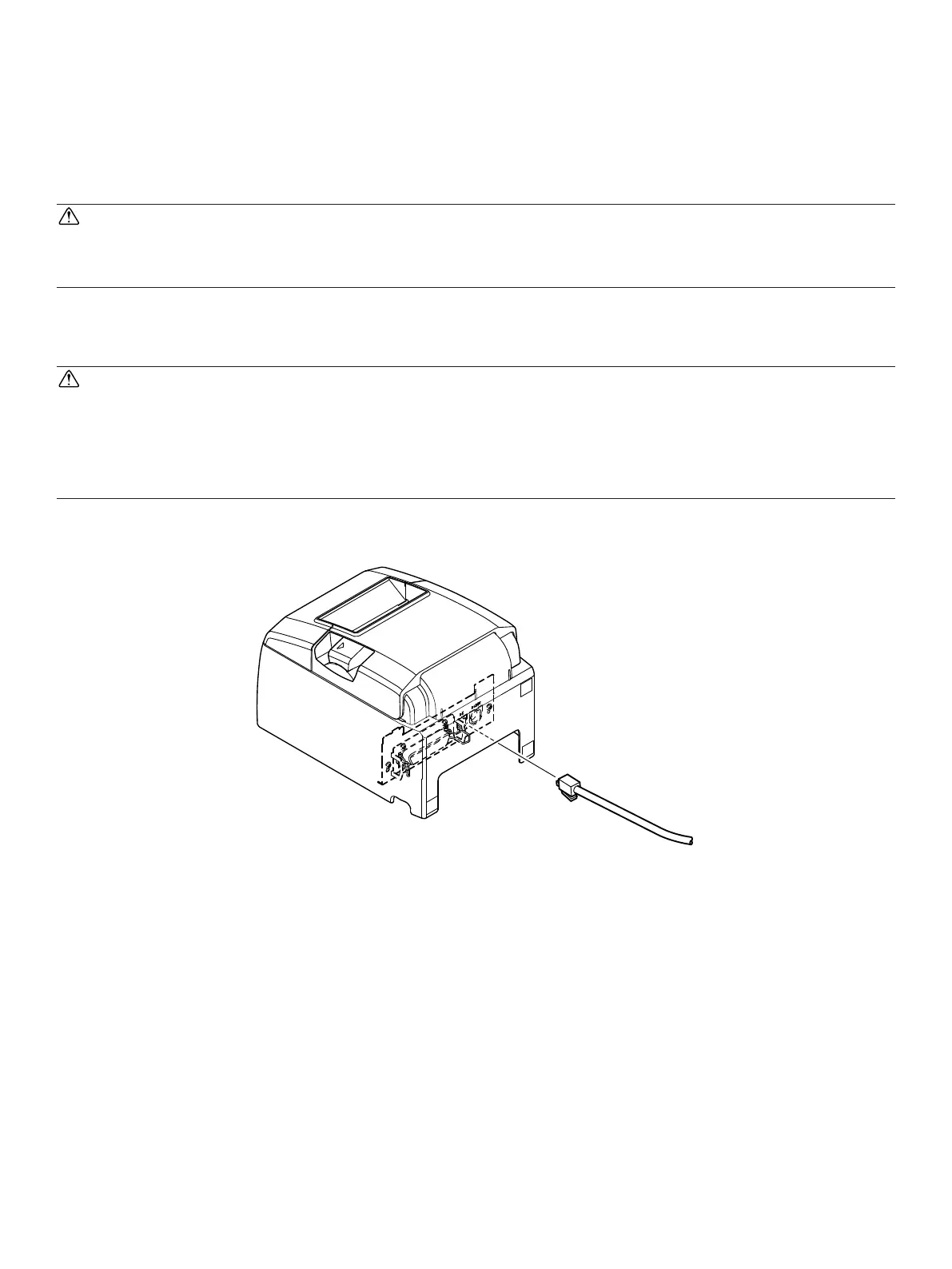
3-6.ConnectingtoaPeripheralUnit
You can connect a peripheral unit to the printer using a modular plug. See “Modular plug” on
page 50 for details about the type of modular plug that is required. Note that this printer does
not come with a modular plug or wire, so it is up to you to obtain one that suits your needs.
CAUTION
Make sure that the printer is turned off and unplugged from the AC outlet and that the
computer is turned off before making connections.
Connect the peripheral drive cable to the connector on the rear panel of the printer.
CAUTION
Do not connect a telephone line into the peripheral drive connector. Failure to observe
this may result in damage to the printer.
Also, for safety purposes, do not connect wiring to the external drive connector if there
is a chance it may carry peripheral voltage.















 To Next Page