– 38 –
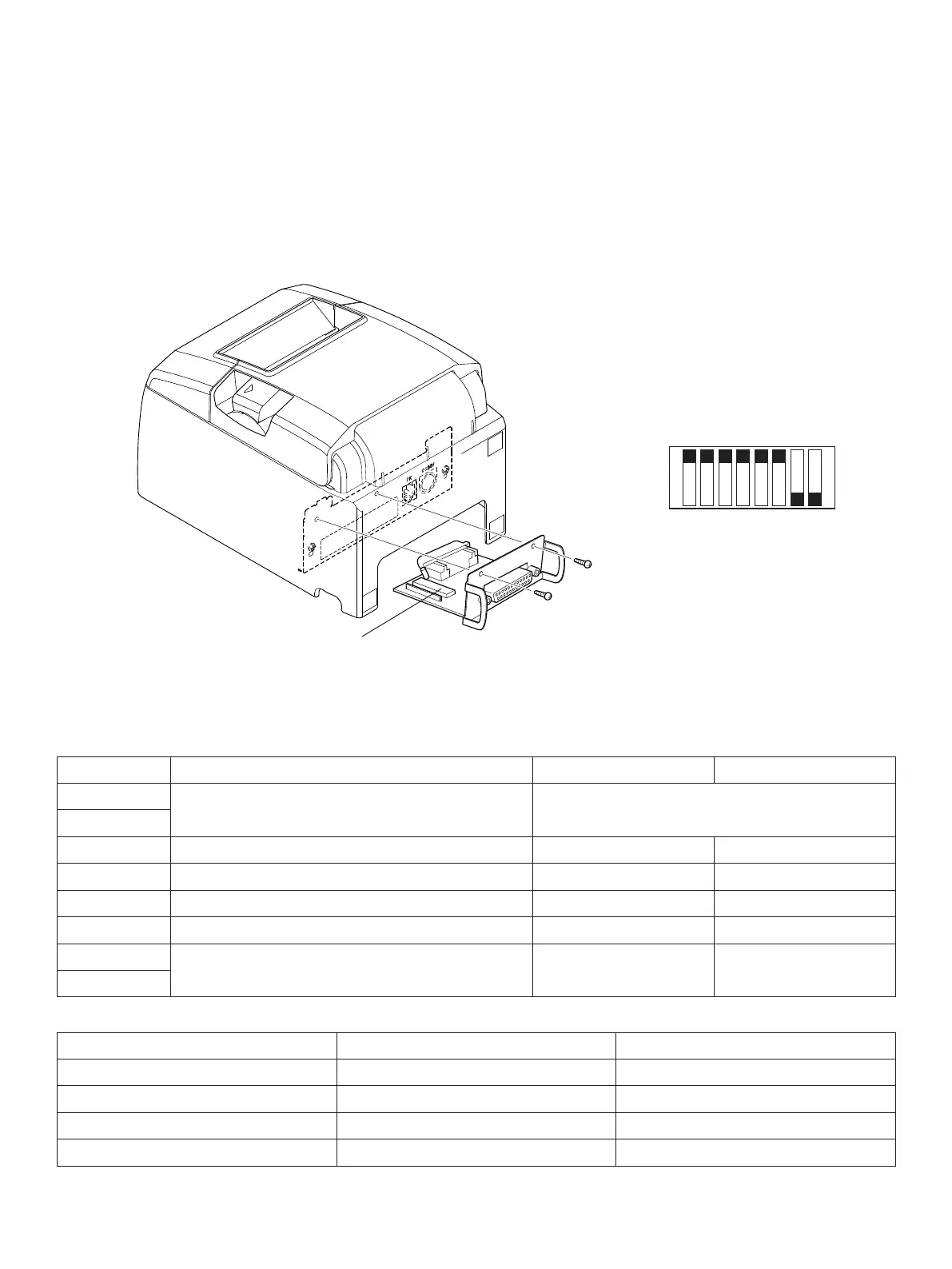
DIP switch 3
No. 1 2 3 4 5 6 7 8
ON
OFF
DIP-SW 3
e following is the procedure for changing the settings on DIP switch No. 3.
1. Turn o the printer and all components connected to it.
2. Remove the 2 screws.
3. Remove the serial interface board unit.
4. Change the setting of the DIP switches.
5. Replace the serial interface board unit.
en secure it with the screws.
6. Turn on the printer and all components connected to it.
e factory settings of DIP switch are all on, except for switches 7 and 8.
DIP-SW 3
Switch Function ON OFF
3-1
Baud Rate See table below
3-2
3-3 Data Length 8 bits 7 bits
3-4 Parity Check Disabled Enabled
3-5 Parity Odd Even
3-6 Handshake DTR/DSR XON/XOFF
3-7
Should not be changed (Should be set to
o)
— —
3-8
BaudRate Switch3-1 Switch3-2
4800BPS OFF ON
9600BPS ON ON
19200BPS ON OFF
38400BPS OFF OFF















 To Next Page