– 43 –
■ Initializing Settings
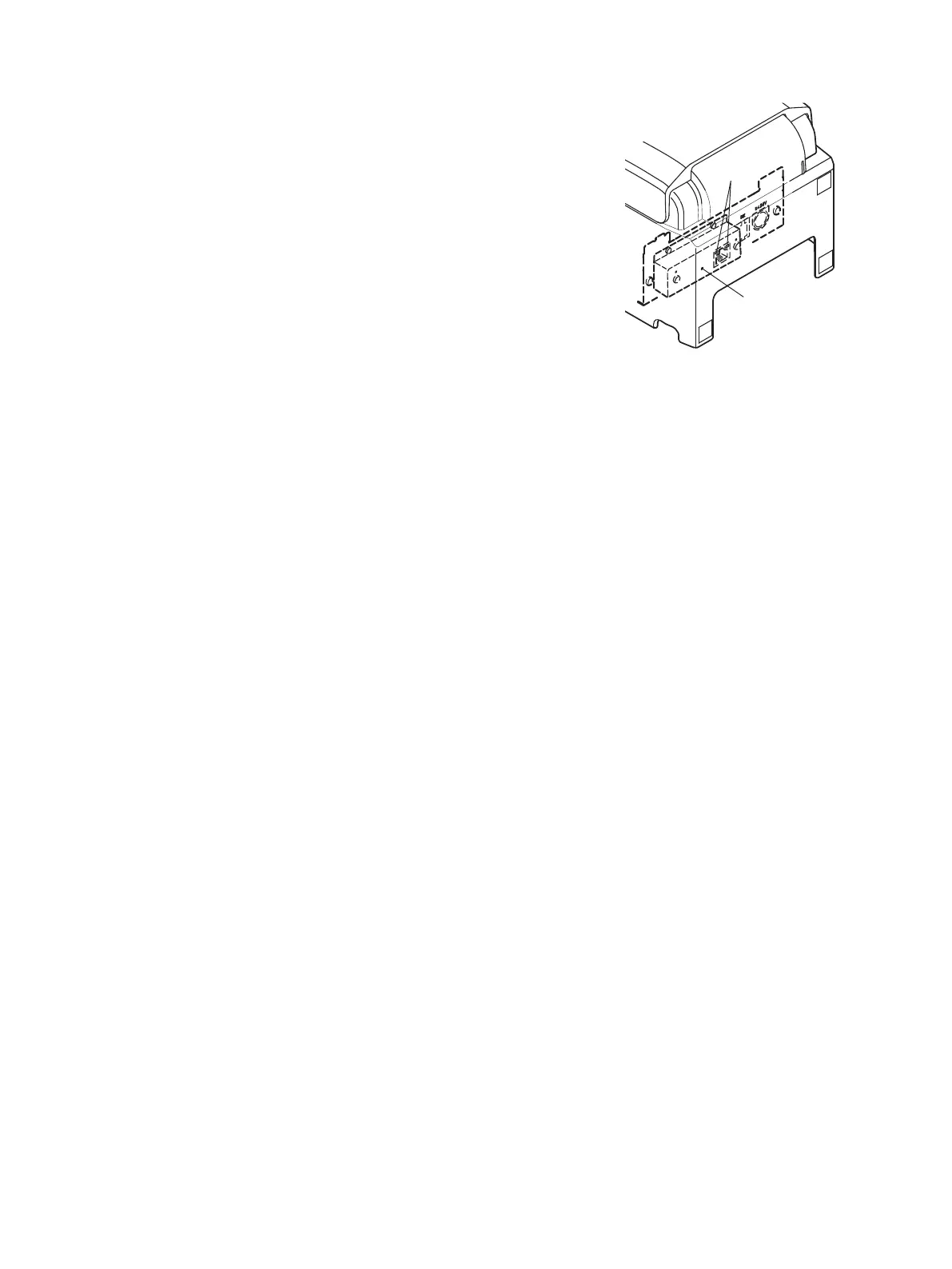
Set the push switch as described below to initialize the
setting information.
Push the switch for one to five seconds while running
under normal operating mode. The green and red LEDs
will flash with a regular pattern. After that, push the
switch once again in that state to turn OFF both of the
red and green LEDs. This will return the settings of
the interface board to their default, or ex-factory, set-
tings. After the interface board has been initialized, the
printer will automatically reboot itself.
■ LED Display
Green : Lights when other party connection is
recognized as 100BASE-TX.
Red : Lights when packets are received.
SW
Push Switch
LED















 To Next Page