StarLine A93, StarLine A63
24
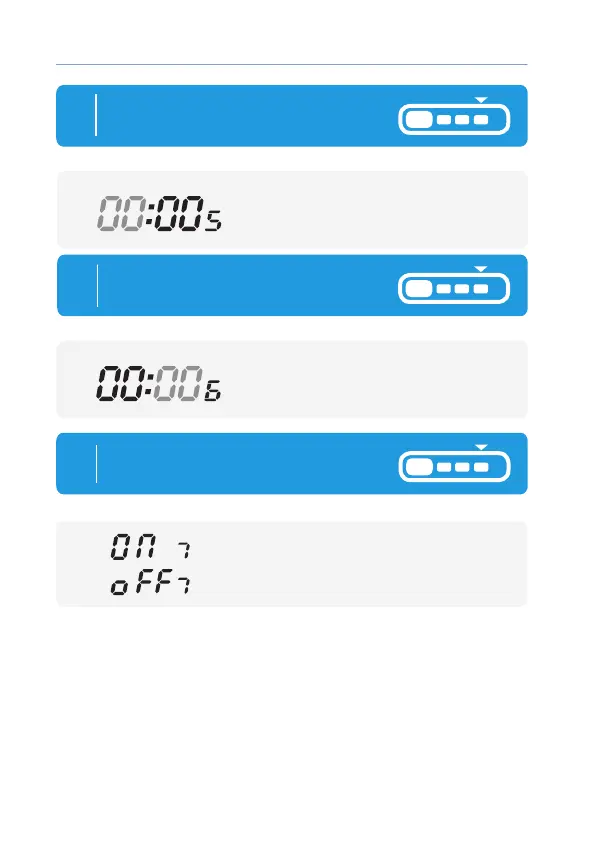
5
Timer hours are ashing:
button 2 - increase setting,
button 3 - decrease setting
Short press button 4 to start setting
Timer hours:
remote
6
Timer minutes are ashing:
button 2 —increase setting,
button 3 —decrease setting
Short press button 4 to start setting
Timer minutes :
remote
7
Short press button 4 to start setting
Timer ON/OFF:
button 2 — Timer mode (ON),
button 3 — Timer mode (OFF).
remote



 To Next Page