User’s manual
25
8
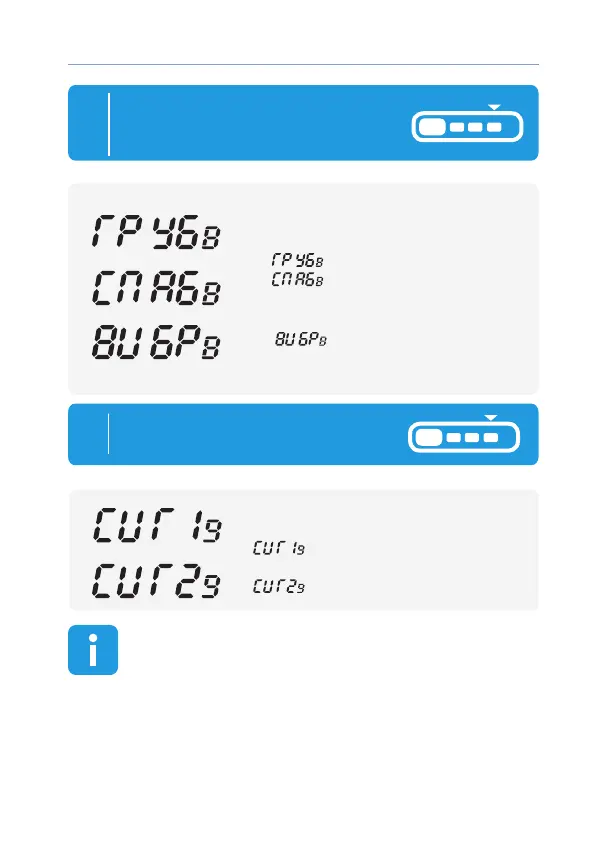
Short press button 4 to start setting
volume of alarm trigger signals
or switch ON silent mode
button 3 — switch ON
silent mode:
— remote signals
are switched o, only vibro
Siren icon ash:
button 2 — select volume
of remote control signals:
— high volume,
— low volume
remote
9
icon «1» or «2 » ashing:
button 3:
— signal of SIREN type,
button 2:
— signal of melody type
To start setting alarm signal type
short press button 4
remote
If buttons are not pressed within 8 seconds, remote control
automatically exit menu programming mode



 To Next Page