StarLine A93, StarLine A63
98
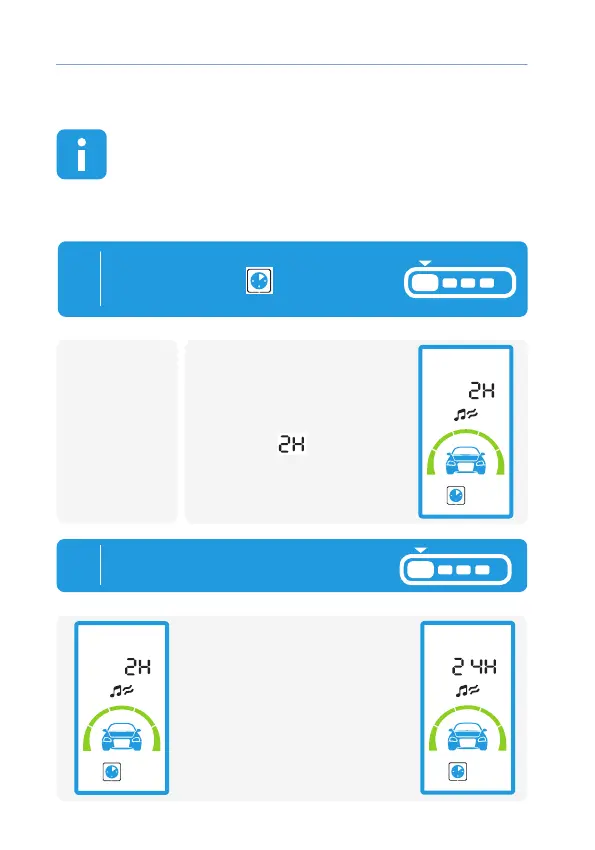
Timer auto engine start
In automatic timer start mode, car alarm perform engine
start and engine warm according with a specied period of
time programmed.
Startup period may be set in the range from 2 to 24 hours in
increments of 2 hours, and warm-up time is determined by
function 2 (see table №2 page 113)
1
To activate timer auto engine start
set cursor on icon
and press
button 1 shortly:
• 1 light ash.
• Melody plays;
• During 4 s it will be
indication of current
periodical timer value (for
example)
- start every
2 hours).
remotecar
remote
2
By short press of button 1
set the period of engine start:
Every press increase value of
timer start for 2 hours



 To Next Page