7-11
764333-675
7.18 PAPER ROLL AND INK CARTRIDGE
REPLACEMENT PROCEDURE
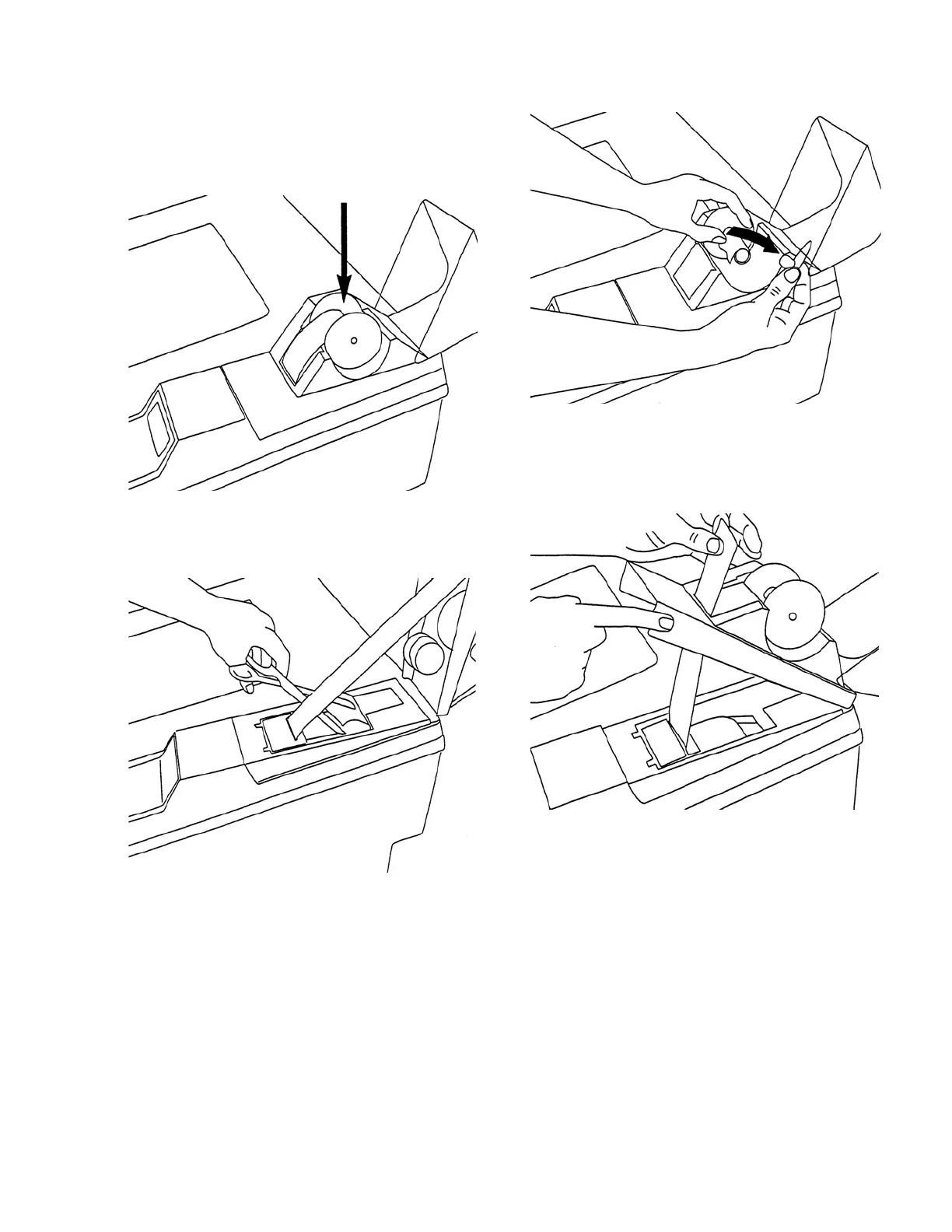
Paper Roll Replacement Procedure:
1. Lift up paper cover to remove old paper roll.
2. Discard old paper roll, then gently pull out and
discard any remaining paper from ink cartridge
area.
3. Place new paper roll on paper spool.
4. Manually feed end of paper roll into printer slot,
just behind ink cartridge. Paper should fit through
the space between ink cartridge body and ink
ribbon.













 To Next Page