4 Assembly and setting up
4.2 Assembling machine
4-14
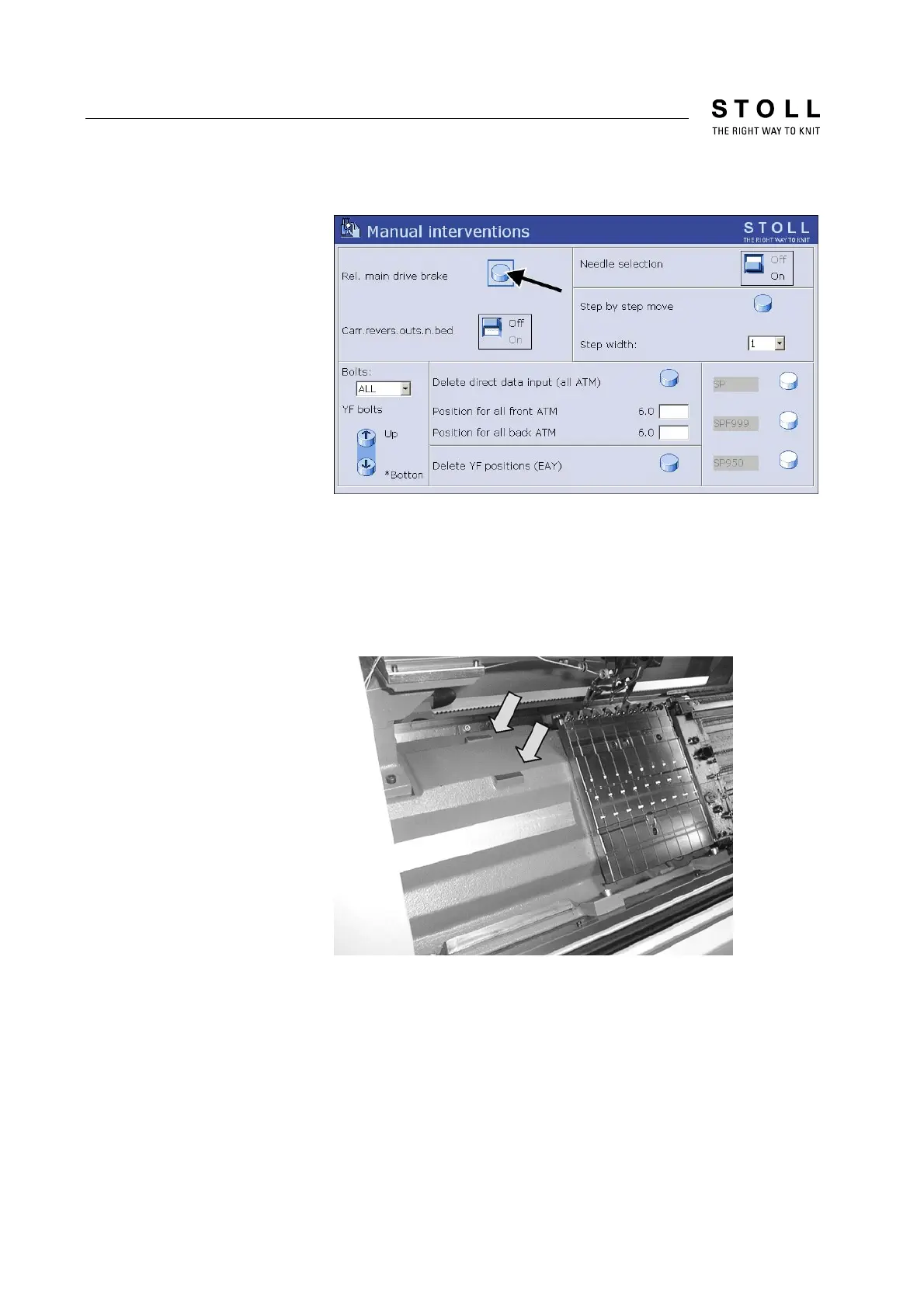
4. Call up "Manual interventions" window
Fig. 4-13 "Manual interventions" window
5. Tap "Rel. drive brake" key.
6. Push the carriage to the right by hand until the support surfaces on
the left side of the needle bed are accessible.
7. Lay the level on the support surfaces on the left side of the needle
bed.
Fig. 4-14 Left support surface for level
8. Align the knitting machine with the grub screws from the enclosed
accessories.



 To Next Page