Modules & Options
6 - 24 3G/4G Module
6
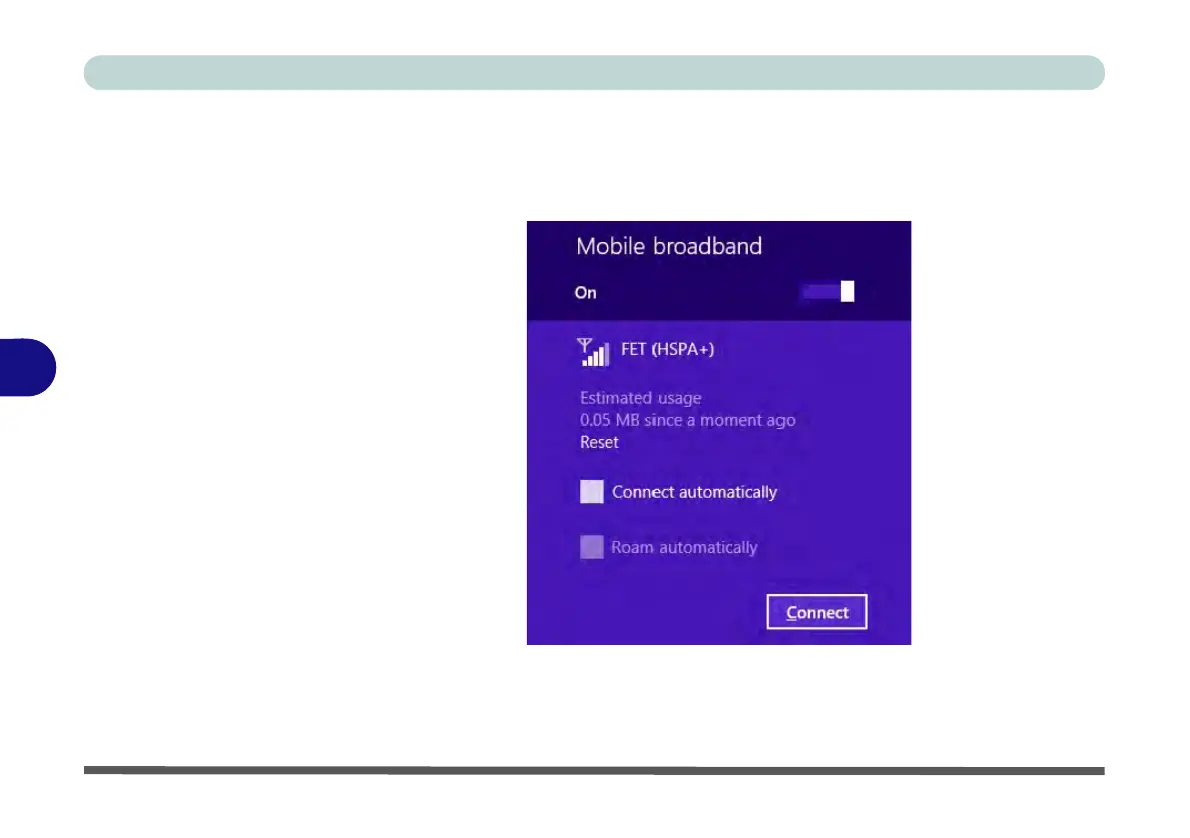
4. Any 3G service provider (connection information is usually stored on the USIM
card) will appear under Mobile Broadband.
5. Double-click any connection icon under Mobile Broadband (or click and then click
Connect).
6. The system will connect to your network.
7. A Connected will appear alongside the 3G connection (click the connection to
view the timer which indicates your connected time for the current session).
Figure 6 - 19
Mobile Broadband
(Connect)



 To Next Page