1 - 20 Windows 8.1 Start Screen & Desktop
Quick Start Guide
1
Windows 8.1 Start Screen & Desktop
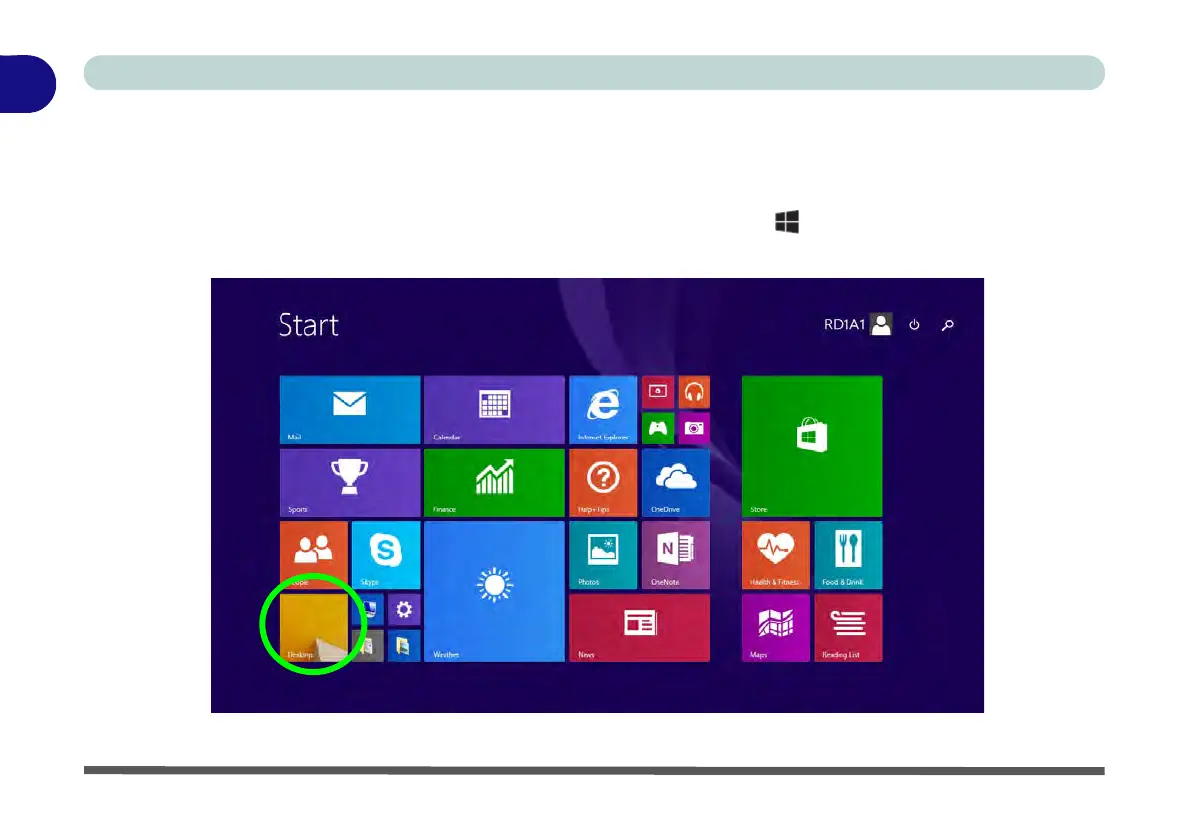
The Apps, control panels, utilities and programs within Windows are accessed from the Start screen and/or
Windows Desktop app. The Desktop (which runs as an app within the Start screen) can be accessed by clicking
the Desktop item in the Start screen (or by using the Windows Logo Key + D key combination). Click the
arrow at the bottom of the Start screen to access Apps.
Figure 1 - 12 - Windows Start Screen



 To Next Page