Windows 8.1 Start Screen & Desktop 1 - 21
Quick Start Guide
1
Apps & Tiles
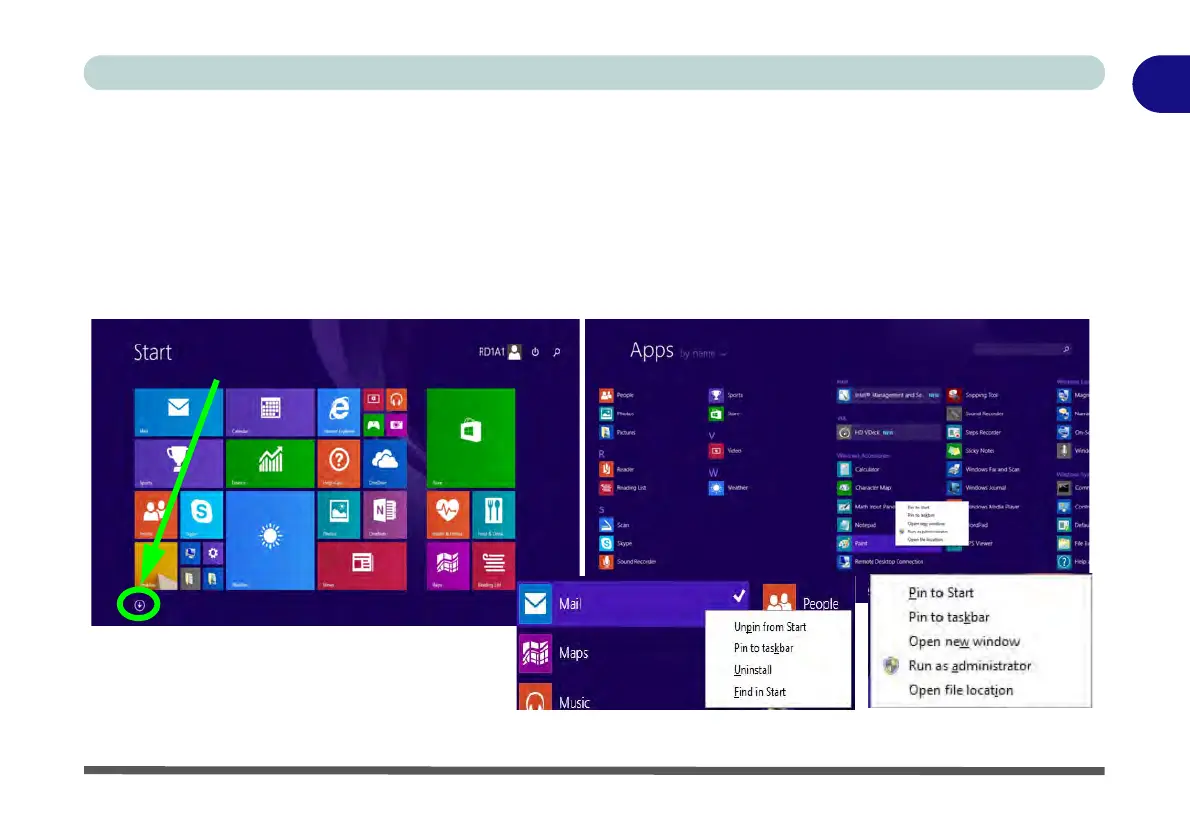
The Start screen will contain a number of apps, and many more will be installed as you add more applications
etc. Not all of these apps can fit on one screen so you will often need use the slider at the bottom of the screen
in order to view all the necessary Apps.
Accessing Pining/Unpinning All Apps
You can add and remove the tiles for apps and control panels in the Start screen. Right-click on an app to bring
up the context menu and you pin the App to (or unpin from) the Start screen, or to the taskbar.
Figure 1 - 13 - Apps
Click the arrow at the bottom of the
screen to access All Apps



 To Next Page