Control Center
Control Center B - 1
B
Appendix B: Control Center
Overview
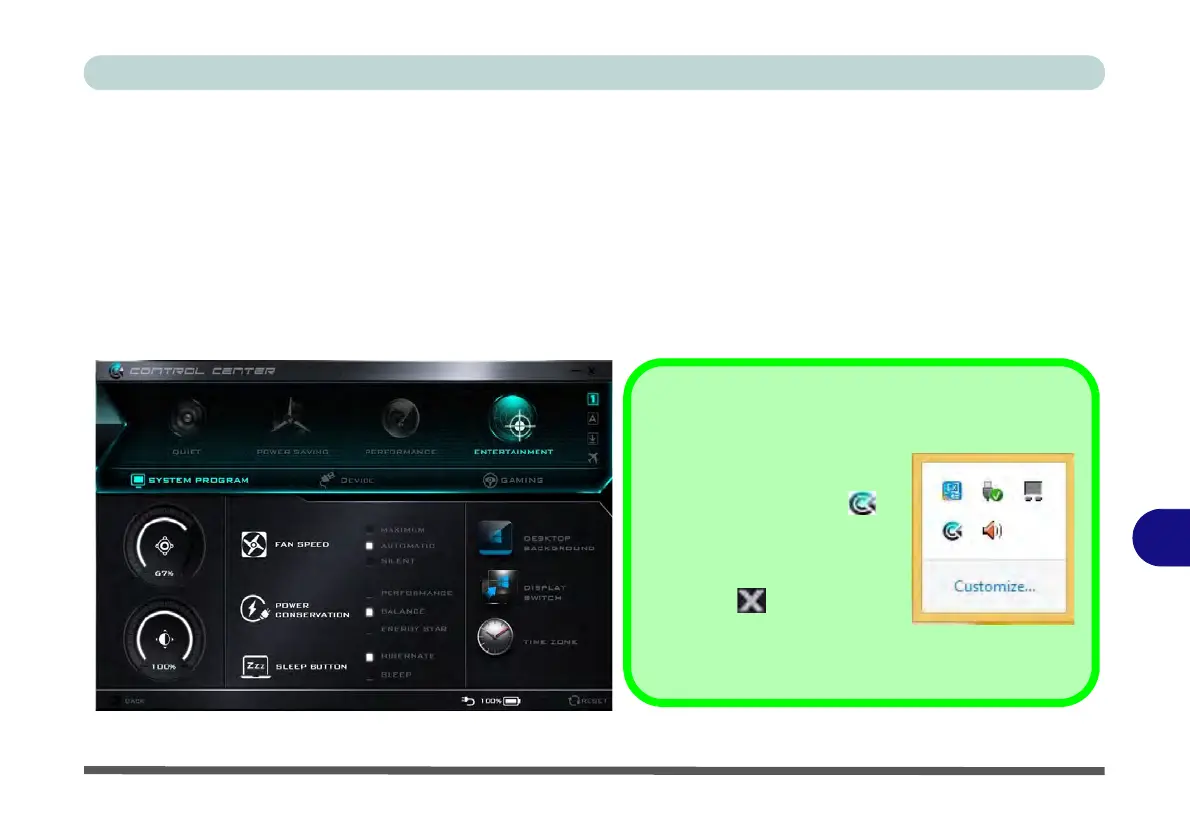
The following chapter will give a quick description of the functions of the Control Center. The Control Center
gives quick access to frequently used controls, power management features and enables you to quickly turn mod-
ules on/off. Click the Control Center icons to toggle the appropriate function, or hold the mouse button down
and move the dial control where applicable. Certain functions will automatically be adjusted when a power mode
is selected. The Control Center in Windows 8.1 works under the Desktop App and not under the Start screen.
Figure B - 1 - Control Center
Control Center Access
To run the Control Center press
the Fn + Esc key combination,
or double-click the icon in
the notification area of the task-
bar.
Close the Control Center by
clicking the close icon in the
top right of the panel (move the
cursor onto the top right corner of the panel to highlight
it).



 To Next Page