Features & Components
Audio Features 2 - 11
2
Audio Features
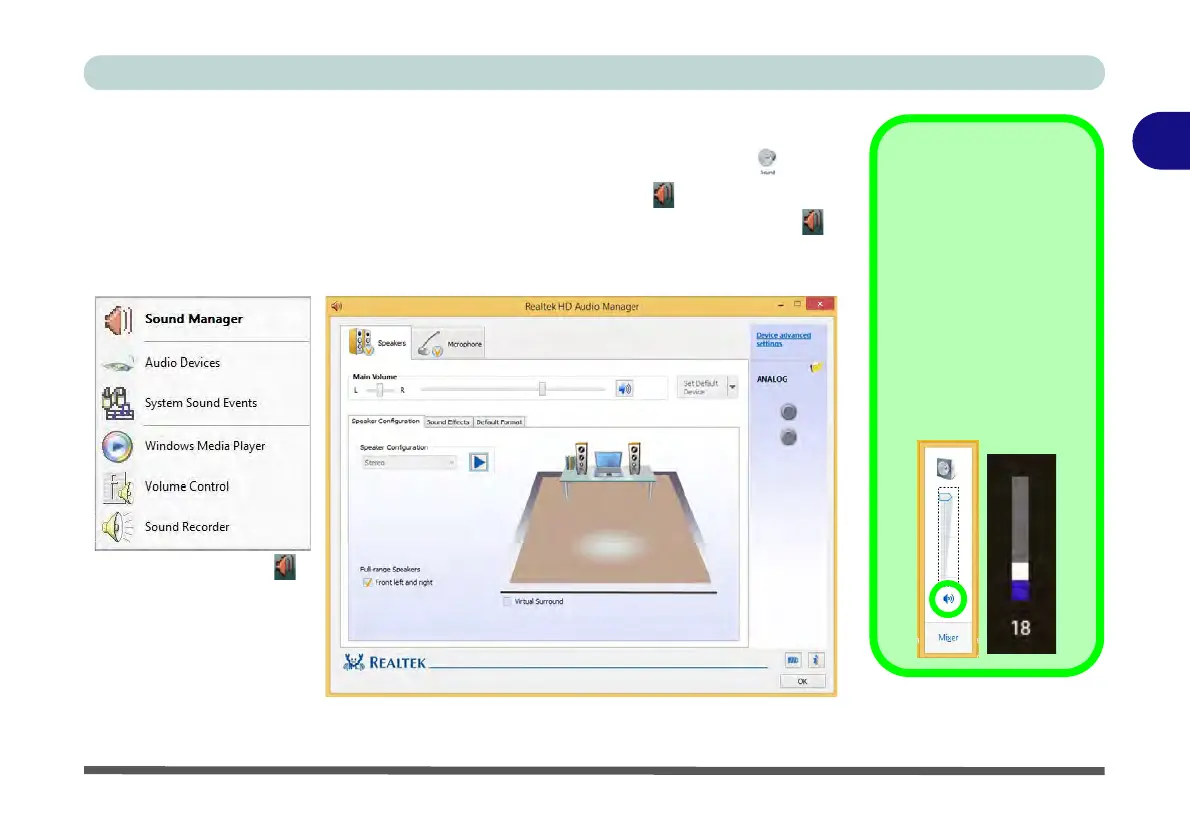
You can configure the audio options on your computer from the Sound control
panel in Windows, or from the Realtek HD Audio Manager icon in the taskbar
notification area/control panel (right-click the taskbar notification area icon to
bring up an audio menu). The volume may also be adjusted by means of the volume
icon in the taskbar or the audio slider in the Settings menu (see sidebar).
Sound Volume
Adjustment
The sound volume level
is set using the volume
control on the Windows
desktop (and the vol-
ume function keys F5/
F6 on the computer).
Click the volume icon in
the taskbar to check the
setting.
Figure 2 - 11
VIA HD Audio Deck
Right-click the icon
to access the menu
above.



 To Next Page