Troubleshooting
7 - 14 3G/4G Module PIN Code & Power-Saving
7
3G/4G Module PIN Code & Power-Saving
Note that there may be some issues when a PIN Code is set for a 3G/4G module (if you are unsure of your module
version contact your distributor/supplier) in Windows, if Mobile Broadband has been turned off, and the system
has resumed from a power-saving state. To prevent any issues it is recommended that you simply do not en-
able a PIN for a 3G/4G module. The following provides instructions for disabling the PIN code.
Disabling a PIN code for a 3G/4G Module
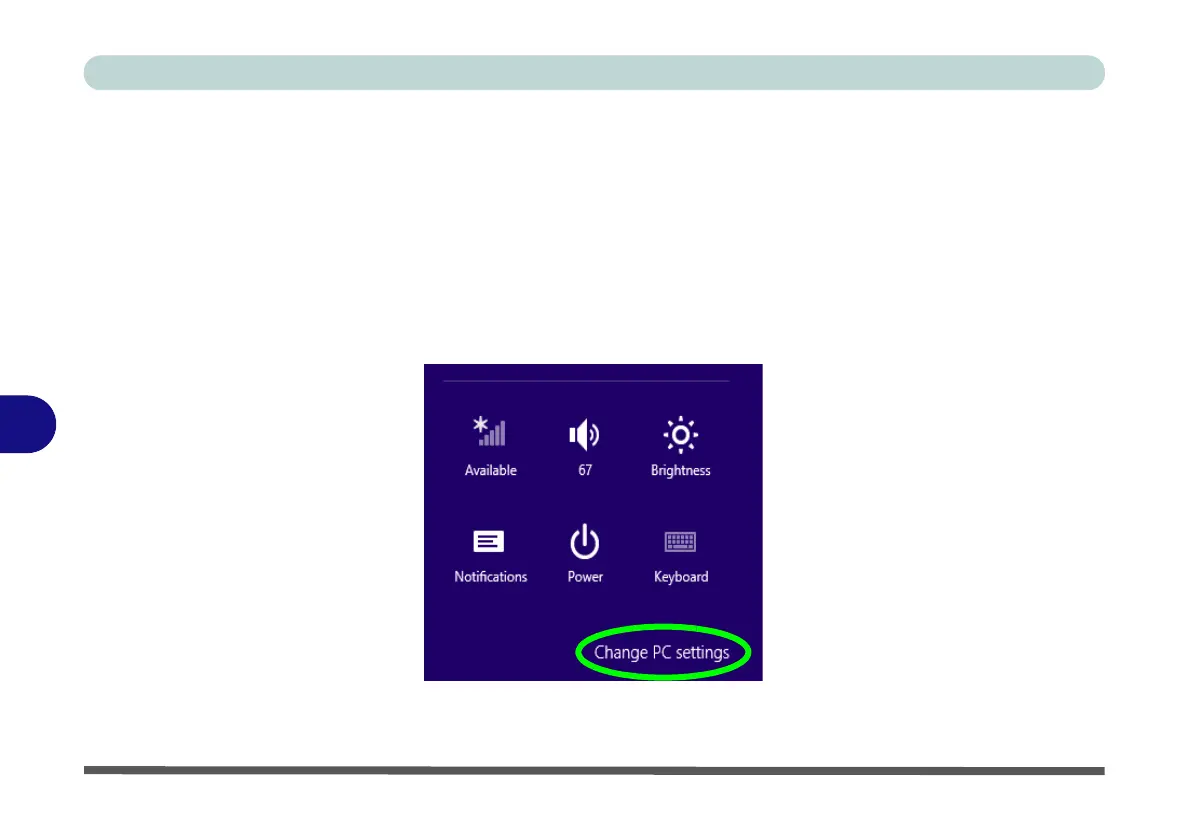
1. Go to the Charms Bar.
2. Click Change PC Settings.
Figure 7 - 1 - Change PC Settings



 To Next Page