Control Center
B - 4 Control Center
B
Volume (System Program)
The Volume icon will show the current volume level. You can use the slider to adjust the Volume or the Fn +
F5/F6 key combinations, or use the Fn+ F3 key combination to mute the volume.
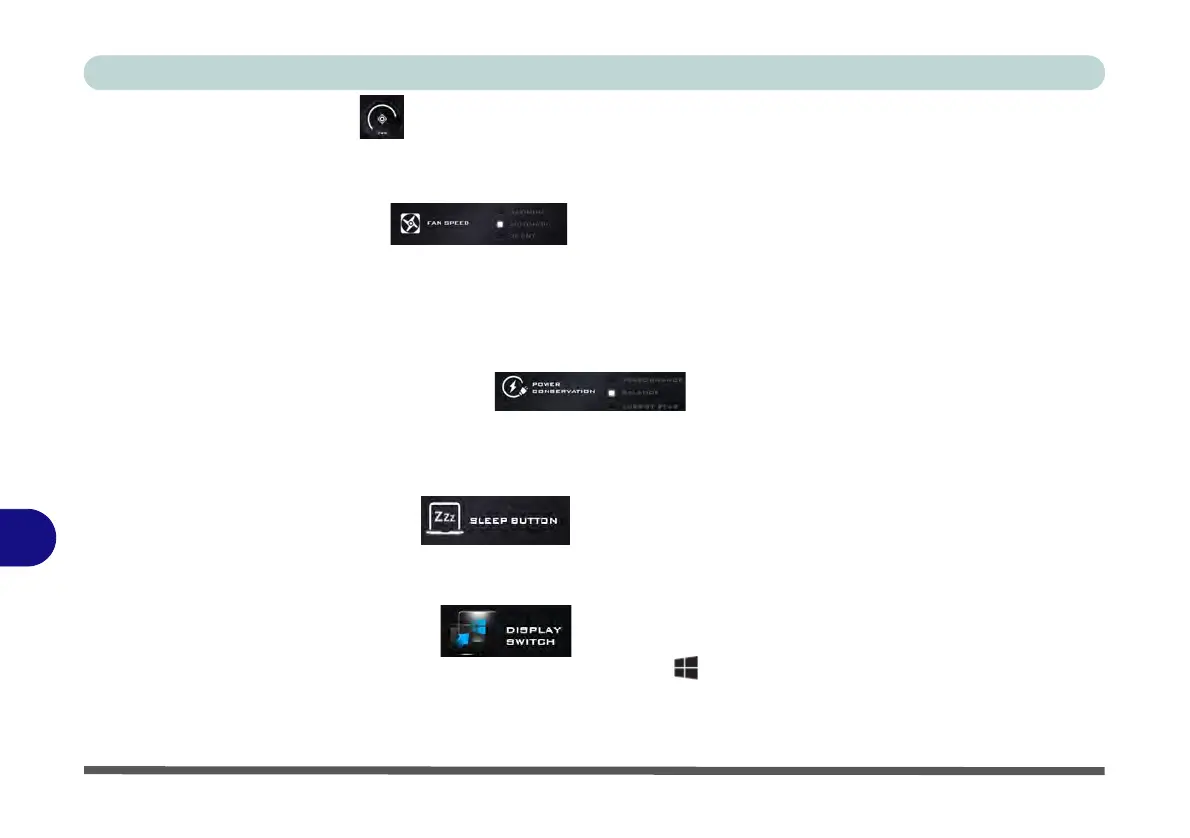
Fan Speed (System Program)
Note that this item will not appear if your CPU’s power requirement is 4W (4 Watts) or less as no fan is required.
You can set the fan speed to Maximum (full power), Automatic or Silent (the system can override the Silent
fan if required). The fan speed will adjust itself automatically to control the heat of the CPU. However you can
adjust the setting to maximum for enhanced performance if you prefer.
Power Conservation (System Program)
This system supports Energy Star power management features that place computers (CPU, hard drive, etc.) into
a low-power sleep modes after a designated period of inactivity (see “Power Conservation Modes” on page 3 -
12). Click either the Performance, Balanced or Energy Star button.
Sleep Button (System Program)
Click either the Hibernate or Sleep buttons to have the computer enter the selected power-saving mode when
the Fn + F4 key combination is pressed (see “Power-Saving States” on page 3 - 7).
Display Switch (System Program)
Click the Display Switch button to access the menu (or use the + P key combination) and select the appro-
priate attached display mode.



 To Next Page