Video Driver Controls
Intel® HD Graphics Control Panel C - 15
C
Power
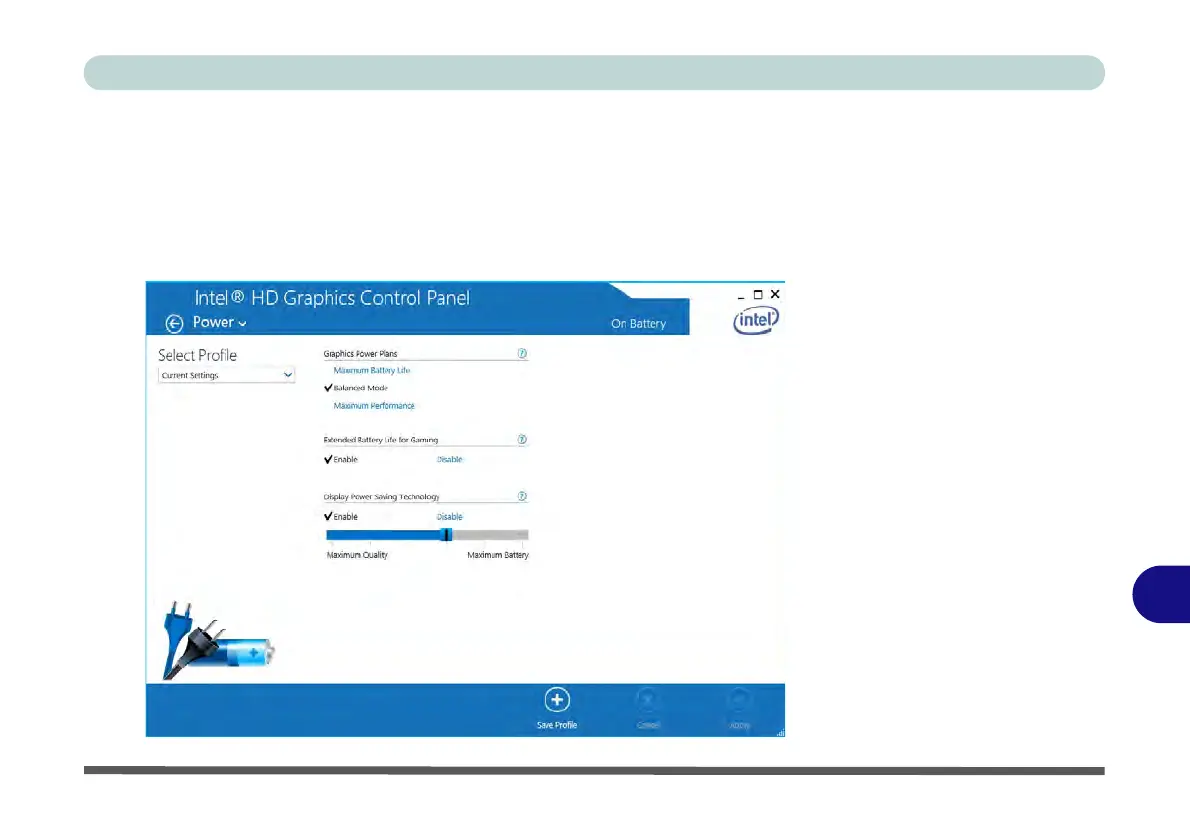
There are two separate menus to adjust the power settings for whenever the comput-
er is Plugged In or On Battery. Maximum Battery Life will reduce graphics per-
formance for power saving, Balanced will provide full graphics performance when
required and minimize power consumption when inactive, and Maximum Perfor-
mance will give top graphics performance but requires more power.
Figure C - 14
Intel® HD Graphics
Control Panel -
Power



 To Next Page