18
E. When finished, touch anywhere on the screen outside of the keypad to exit and close the
keypad.
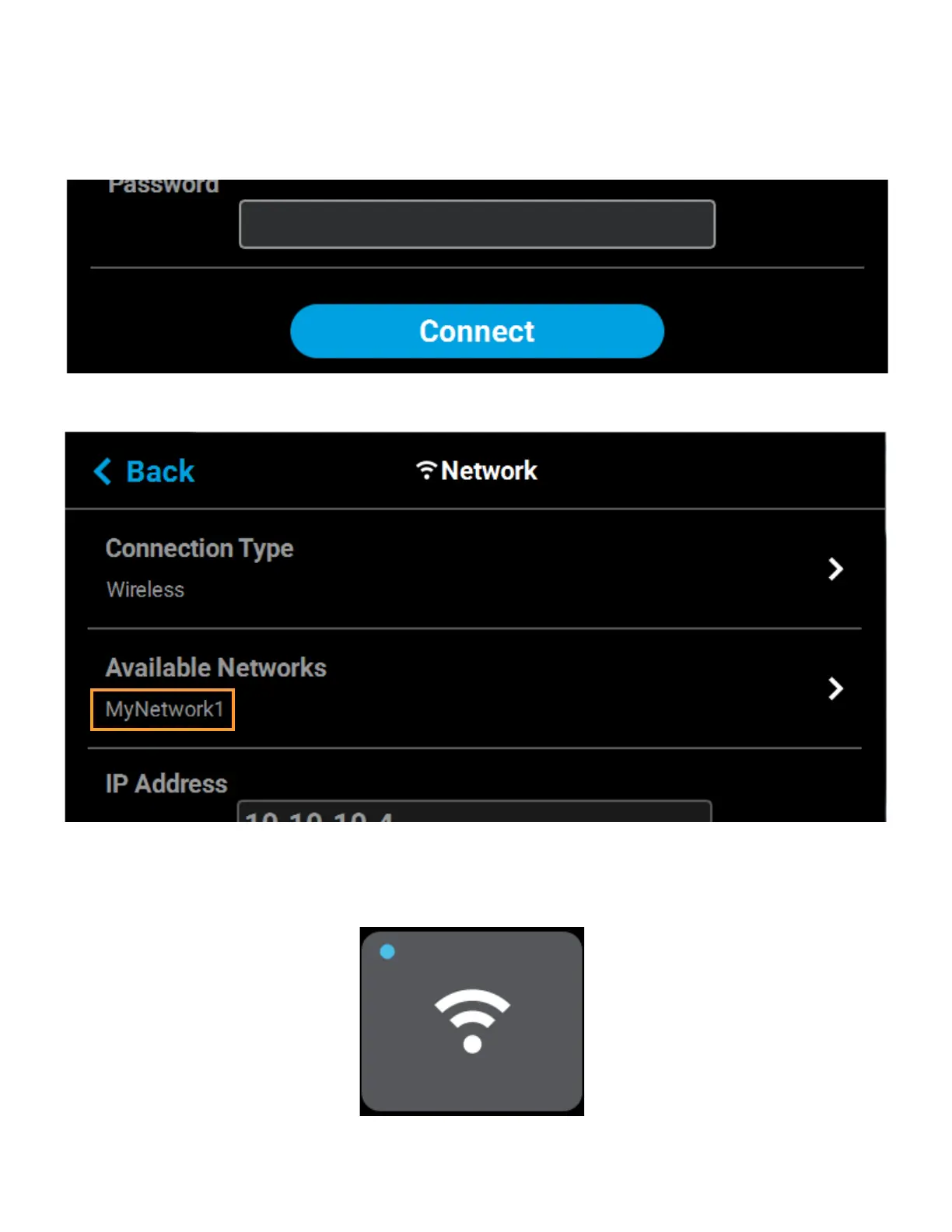
F. Scroll to the bottom of the page and press the Connect button to save the network
configuration.
Figure 2-14: Connect Button
G. Press the Back button to exit the page and return to the Network page. The name of the
selected wireless network will be displayed within the Available Networks row.
H. Press the Back button to exit the page and return to the Tools page. The Network button will
refresh and a blue indicator will be displayed indicating that the printer is configured for a
Wi-Fi network.
Figure 2-15: Enter Network Settings Dialog















 To Next Page