64
HEAD MAINTENANCE
Pressing the Maintenance button within the Head Details page will open the Head Maintenance page. The
buttons within this page will allow you perform a variety of head maintenance functions. The buttons displayed
in the menu within the right half of the screen will vary depending on whether the Enable button has been
pressed. After pressing the Maintenance button the button will toggle and instead display the Details button.
Pressing the Details button will close the Head Maintenance page and return you to the Head Details page.
ENABLE
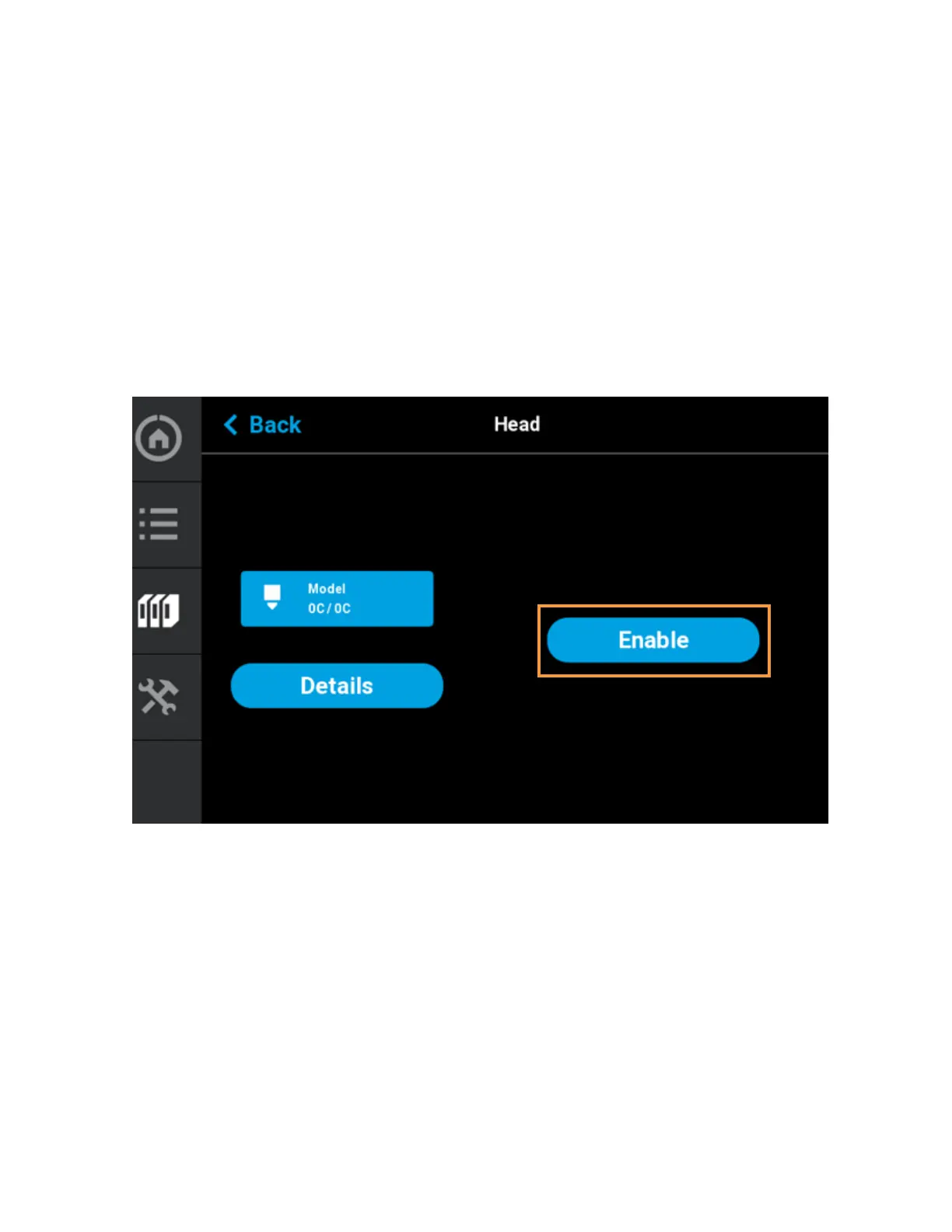
Pressing the Enable button puts the corresponding head into a maintenance state when the top cover has been
opened. Before you can perform any of the head maintenance functions available within the Head Maintenance
page, you must put the head into this state by pressing the Enable button. After pressing the Enable button, the
menu will refresh and display buttons corresponding to the additional head maintenance functions available
within this page. The Enable button will toggle and instead display the Disable button. Pressing the Disable
button at any time when the head is not in use will take the head out of the maintenance state.
Figure 4-27: Head Maintenance Page - Main View















 To Next Page