83
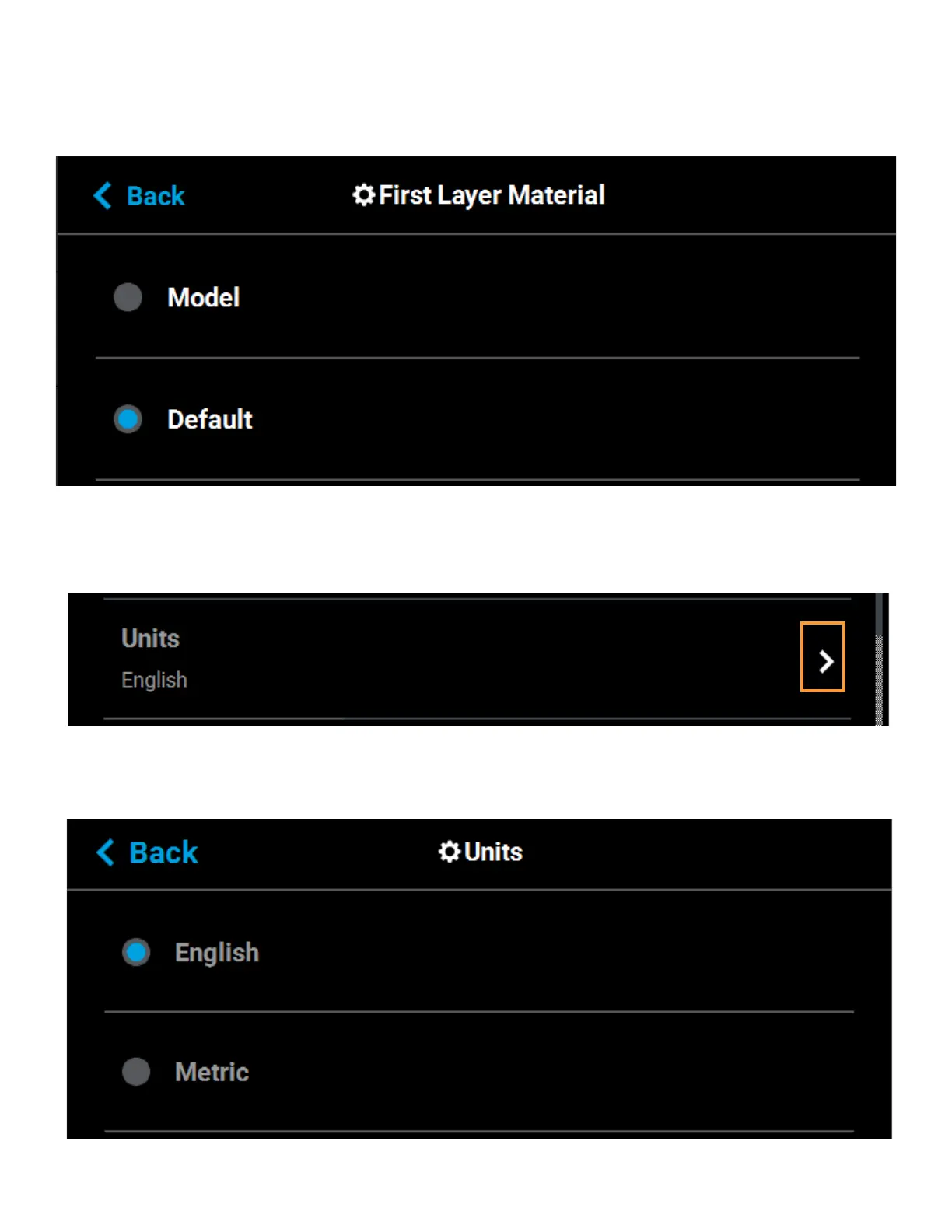
To configure this setting, press anywhere within the row; the First Layer Material page will be displayed. Use the
radio buttons within this page to select between Model and the Default material, which could be either model or
support material.
Figure 4-44: Configure First Layer Material
UNITS
The Units row displays the type of units the printer is configured for, English (inches) or Metric.
Figure 4-45: Units
To configure this setting, press anywhere within the row; the Units page will be displayed. Use the radio buttons
within this page to select between English and Metric units; English is selected by default.
Figure 4-46: Configure Units















 To Next Page