18
Closed captions
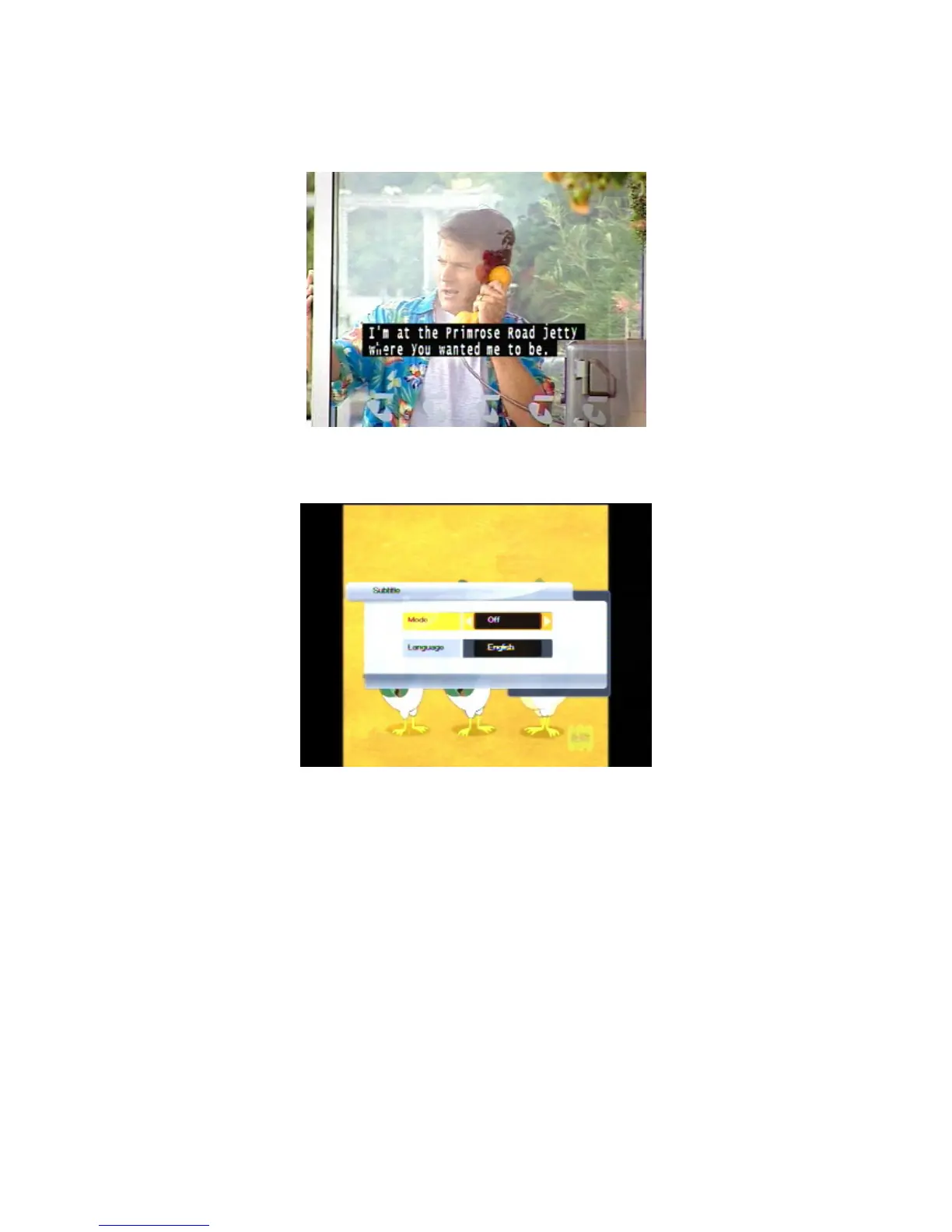
Closed captions are the spoken words written on the screen. This option is particularly useful for the
hard-of-hearing.
To turn on closed captions (or turn them off):
1. Press the SUB button on the remote control. The Subtitle window appears.
2. With Mode highlighted, press VOL
e
or
VOL
f
until the option you want—On or Off—is shown.
3. If the subtitles are being broadcast in more than one language and you want to choose a
language other than the one shown on the screen, press
CHd to highlight the Language option
and then press
VOL
e
or
VOL
f
until the language you want is shown.
3. Press OK.



 To Next Page