19
Teletext
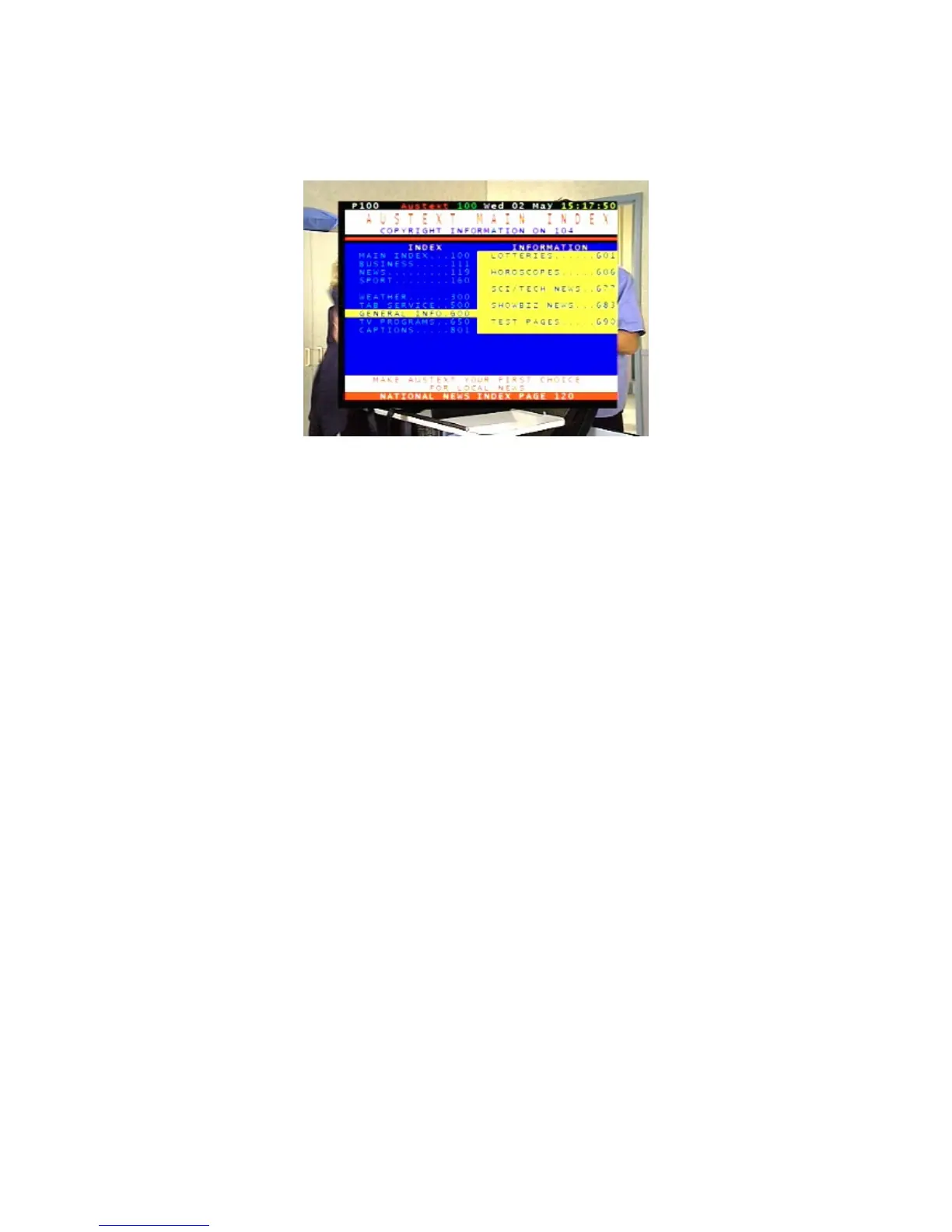
Teletext is a text-based data service. It is available only when the broadcasting signal carries such
data.
1. Select a channel that is broadcasting teletext.
2. Press TXT on the remote control.
3. If necessary, select the language of the teletext service.
4. Press OK.
5. Select a teletext page by pressing the corresponding number or colour button on the remote
control.
Press EXIT to cancel teletext and return to normal viewing.
Picture freeze
• Press PAUSE on the remote control to freeze the display.
• Press PAUSE again to resume normal viewing.
Favourites list
You can create a favourites list of channels and then select a channel from that list. This makes it
easier to choose and switch between channels if there are many channels available in your area.
You display your favourites lists by pressing FAV on the remote control. You then press
CHd or CH
c
to
step through each favourite. Stop pressing when you reach the favourite you want.
Adding channels or stations to your favourites list
Follow this procedure to add channels or stations to your favourites list, or to remove them.
1. Press MENU on the remote control. The Main Menu appears.
2. If Edit Program is not highlighted in the main menu, press
CHd or CH
c
until it is and then press OK.
The Edit Program menu appears.



 To Next Page