35
System Maintenance
You can upgrade the software in your as new versions become available. Information
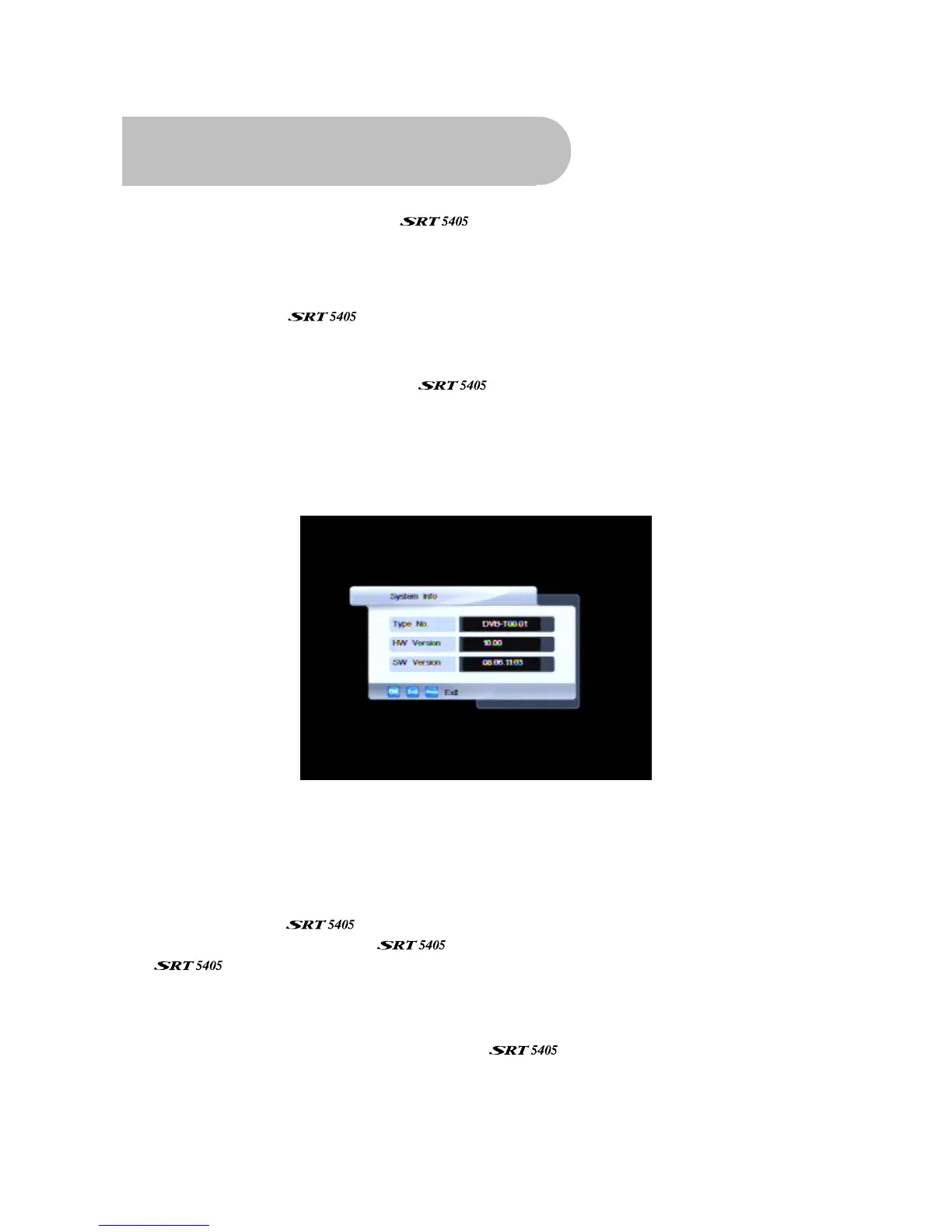
about the current version (and information about the hardware) is available from the menu to help
you determine if you need to upgrade. This information might also be useful if you need to obtain
technical support from Strong Technologies.
You can also reset the
by reinstating the default settings it had when it left the factory.
System information
To display system information about your , such as the model number, software version,
hardware version:
1. Press MENU on the remote control. The Main Menu screen appears.
2. If System Info is not highlighted on the menu, press
CHd or CH
c
until it is and then press OK.
The System Info window appears.
Make a note of the information on this window if you are intending to contact Strong
Technologies for technical support.
3. Press EXIT or MENU twice to return to normal viewing.
Software upgrades
If a new version of the software becomes available, you can download the software to
your PC and then transfer it to your
. You will need a USB memory stick (not supplied with
the
). Watch the Strong Technologies website for announcements of software upgrades.
1. Once you have obtained an upgrade file, transfer it to a USB memory stick. You need to place
the file at the root (or top) level on the memory stick, not inside a folder or directory.
2. Insert the stick in the USB port on the rear of the
(socket 3 in the diagram on page 7).
3. Press USB (the yellow button on the remote control).
The USB File List appears.



 To Next Page